Most people think of the volume buttons on a smartphone as simple tools for increasing or decreasing sound. However, these physical buttons often serve multiple practical functions that go far beyond audio control. Depending on your device and operating system, the volume keys can help you take photos, trigger emergency features, and navigate your phone more efficiently.
Here are three useful functions your smartphone’s volume buttons may already support — even if you’ve never noticed them.
1. Use the Volume Button as a Camera Shutter
One of the most convenient hidden features is the ability to use the volume button to take photos.
How It Works
On most modern smartphones (both Android and iPhone):
-
Pressing either volume button while the Camera app is open will capture a photo.
-
Holding the button may trigger burst mode (depending on settings).
-
In video mode, pressing the button may start or stop recording.
Why This Is Useful
Using the volume button as a shutter offers several advantages:
-
Better stability: Pressing a physical button reduces screen tapping shake.
-
Easier selfies: It’s more natural to press a side button when holding the phone at arm’s length.
-
Quick access: No need to search for the on-screen shutter icon.
For group photos or low-light shots, this method often results in clearer images because it minimizes movement.
Some phones also allow you to configure the volume button to zoom instead of capture — check your camera settings to customize the function.
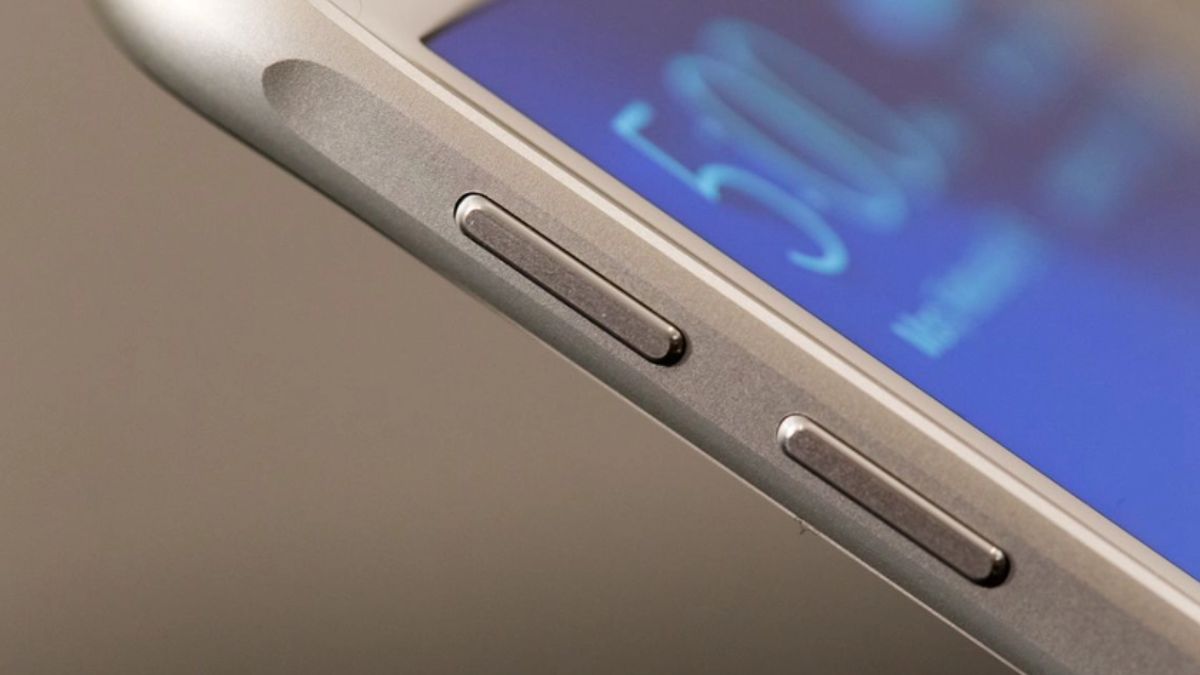
2. Activate Emergency or SOS Features
Many smartphones integrate emergency functions directly into hardware buttons — including the volume keys.
Emergency SOS on iPhone
On many iPhones:
-
Press and hold the side button + either volume button.
-
An emergency slider appears.
-
Continuing to hold may trigger an automatic emergency call.
Emergency Features on Android
On many Android devices:
-
Rapidly pressing the power button (sometimes combined with volume keys) multiple times activates Emergency SOS.
-
Some devices allow you to send your location and an alert message to emergency contacts.
Why This Matters
In high-stress situations:
-
You may not have time to unlock your phone.
-
You may not be able to navigate apps.
-
Physical buttons are faster and more reliable.
Knowing how to activate emergency features in advance can make a significant difference in urgent situations.
Check your phone’s Safety & Emergency settings to understand exactly how your model handles SOS activation.
3. Control Media and Accessibility Features
Beyond photos and emergencies, volume buttons often assist with media control and accessibility tools.
A. Silencing Calls Instantly
When your phone rings:
-
Pressing a volume button silences the ringtone immediately.
-
The call is not declined — it simply stops ringing.
This is useful in meetings, classrooms, or quiet environments where declining a call may seem abrupt.

B. Adjusting Media Without Unlocking
When playing music or video:
-
Volume buttons adjust media volume directly.
-
On some devices, long-pressing can skip tracks (when configured with certain apps).
This makes quick adjustments possible without unlocking the screen.
C. Accessibility Shortcuts
On some devices, volume buttons can:
-
Enable magnification features.
-
Adjust text-to-speech output.
-
Control hearing aid compatibility settings.
-
Trigger accessibility menus.
For users with visual or hearing impairments, these hardware shortcuts provide faster control than navigating through menus.
You can explore these options in your phone’s Accessibility Settings.
Why Physical Buttons Still Matter
In an era of touchscreens and gesture controls, physical buttons remain valuable for three reasons:
-
Speed – No need to unlock or navigate menus.
-
Reliability – Works even when screen responsiveness is limited.
-
Tactile feedback – You can activate features without looking.
Manufacturers continue integrating multi-function capabilities into hardware keys because they provide instant, intuitive access.
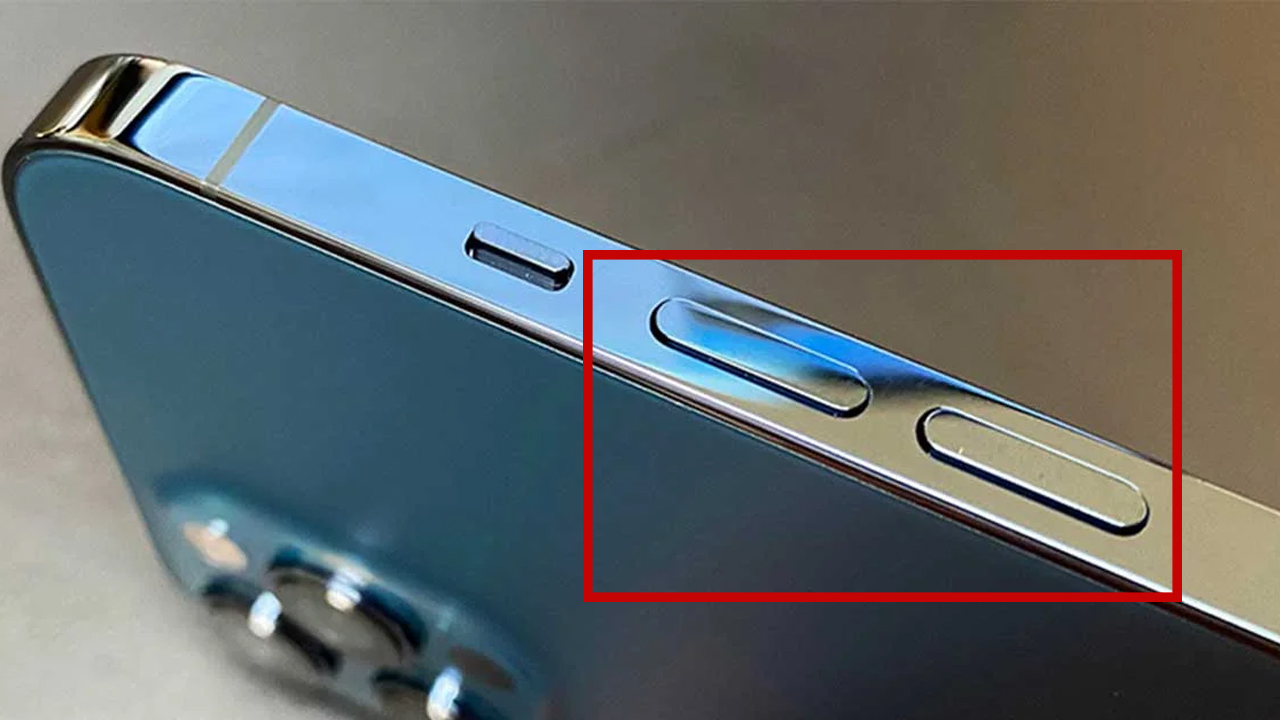
How to Check What Your Volume Buttons Can Do
To explore additional features:
-
Open Settings
-
Search for “Buttons,” “Shortcuts,” or “Accessibility”
-
Review Camera app settings
-
Check “Safety & Emergency” options
Functions vary by device model and operating system version.
Final Thoughts
Your smartphone’s volume button is more versatile than it appears. Beyond adjusting sound, it can:
-
Capture photos more steadily
-
Trigger emergency assistance
-
Silence calls discreetly
-
Support accessibility features
Many users overlook these functions simply because they were never highlighted during setup.
Taking a few minutes to explore your device’s settings may reveal small but meaningful features that improve convenience, safety, and efficiency in daily use.