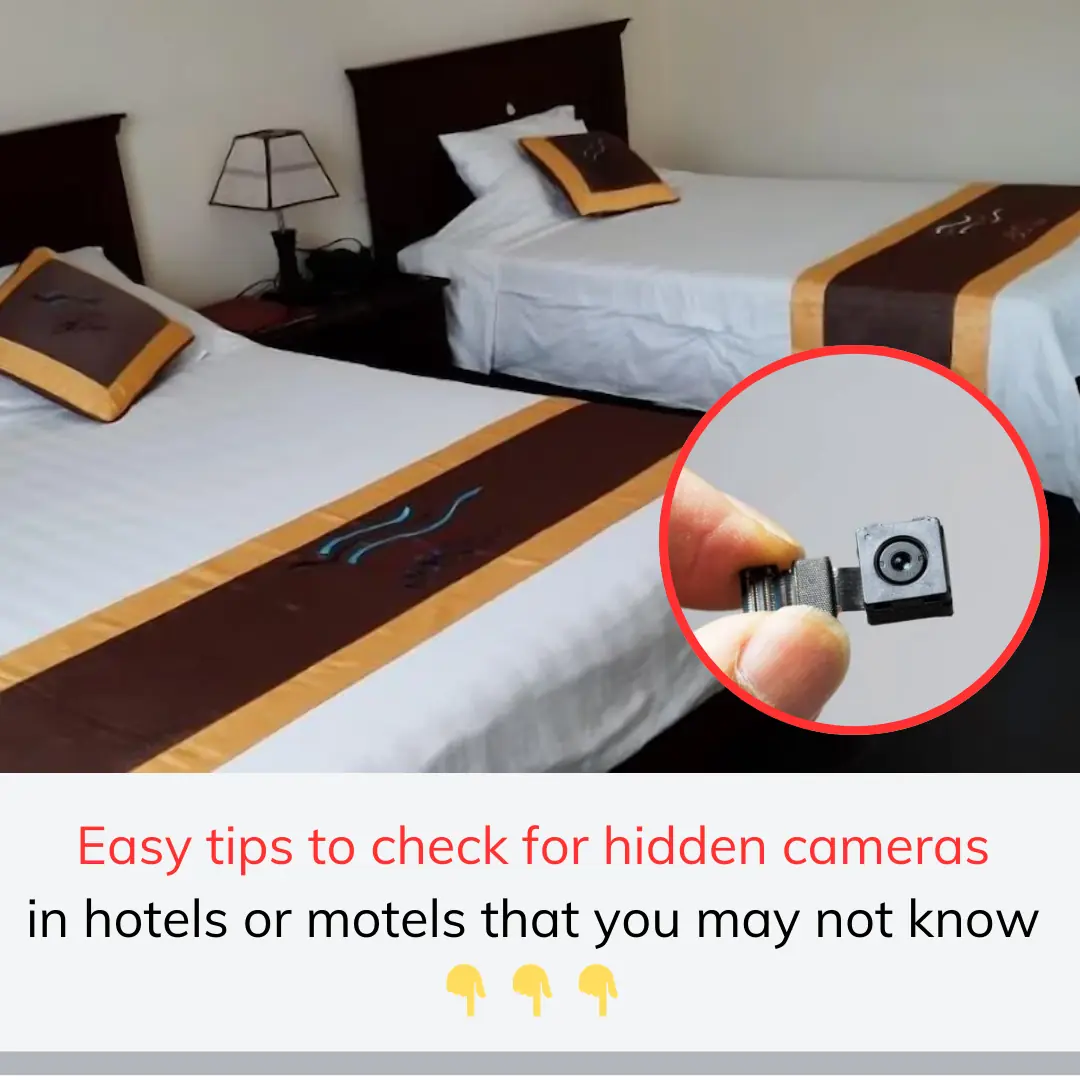
Answer:
1. Carefully observe suspicious locations
Check places commonly used to hide cameras such as:
Lamps, wall clocks, smoke detectors, air conditioners.
Small holes in the wall, decorations, or strange electronic devices.
Objects such as vases, books, mirrors (especially 2-way mirrors).
2. Use a phone flashlight
Turn off the lights in the room and use the phone flashlight to shine on areas you suspect. If there is a hidden camera, the light will reflect back from the lens.
3. Use a camera detection application
Hidden camera detection applications based on infrared waves or Wi-Fi, Bluetooth networks can help you detect surveillance devices. Some popular applications:
Hidden Camera Detector
Fing - Network Tools
Glint Finder (finds light from the camera lens).
4. Use an RF signal detector
Wireless cameras often broadcast radio signals. You can use an RF detector to detect these waves.
5. Check your Wi-Fi network
Connect to a Wi-Fi network in the area and use the Fing or Network Analyzer app to scan for connected devices. If there is an unfamiliar device, it may be a camera.
6. Use your phone to check for an infrared camera
Infrared cameras often emit light that is invisible to the naked eye. You can use your phone's camera (usually the front camera) to detect it, as the camera can receive this light.
7. Check for strange noises
Some hidden cameras make a small noise when operating, you can pay attention to strange noises coming from unusual locations.