
The Ring You Choose May Reflect Your Personality — Here’s What It Says About You
Pick one ring… the result might shock you
Tips 04/05/2026 23:59
Face ID Not Working? Here’s What to Do!
Many iPhone users may encounter situations where Face ID fails to recognize their face, even after multiple attempts. If you find yourself in this frustrating scenario, follow the simple steps below to resolve the issue.

According to tech site CNET, Face ID malfunctions are quite common and can cause inconvenience for iPhone users. Imagine using your iPhone as usual and needing to scan Face ID to make a payment, only for it to fail repeatedly. This is not an uncommon situation, and many people have experienced it.
Don’t worry—here are five quick and effective ways to fix Face ID issues:
Restarting your device is often the fastest way to resolve minor glitches, including Face ID problems. Additionally, check if your iPhone is updated to the latest iOS version to ensure all bugs are fixed and the system runs smoothly.
Dust or fingerprints on the camera lens can interfere with Face ID recognition. Make sure to clean the front camera thoroughly.
If you’ve undergone changes in appearance, such as wearing glasses or growing a beard, Face ID may fail to recognize you. Add an alternate appearance in the Face ID & Passcode settings to ensure consistent functionality.
If the above steps don’t work, resetting Face ID might be the solution. This requires you to set up the facial recognition feature from scratch.
Ensure that Face ID is enabled for specific tasks, such as unlocking your iPhone or making payments via Apple Pay. You can also toggle the 'Require Attention for Face ID' setting—this ensures Face ID recognizes when you’re paying attention to the screen.
Apple strongly encourages users to keep their devices updated with the latest iOS versions. Doing so not only enhances overall performance but also resolves potential bugs.
By following these steps, you can quickly resolve Face ID issues and continue enjoying your iPhone seamlessly and efficiently.
Pick one ring… the result might shock you

Most people ruin their stovetop without realizing it

Many people think rotten tomatoes are just waste, but that’s not entirely true.

Most Travelers Don’t Know This Trick

The Hidden Meaning Behind Your Cat Sleeping in Your Bed
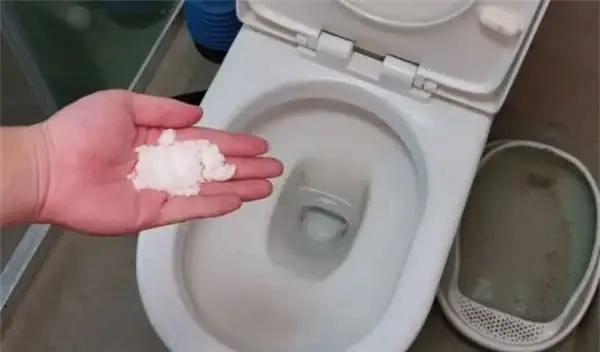
Just a handful of salt can solve multiple problems in your home.

Your Garden Could Be a Snake Magnet—Here’s Why


Try placing ginger next to your pillow before bed – a small tip that could benefit your sleep

Amazing tomato facts that might shock you
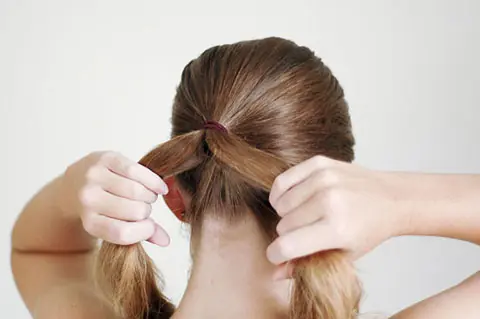
Using hair ties? This is something important you need to know

Frost buildup in your refrigerator? Save money and fix it yourself with this easy method

Why Everyday Moments Matter More in Love

You’ve been using your volume buttons wrong this whole time





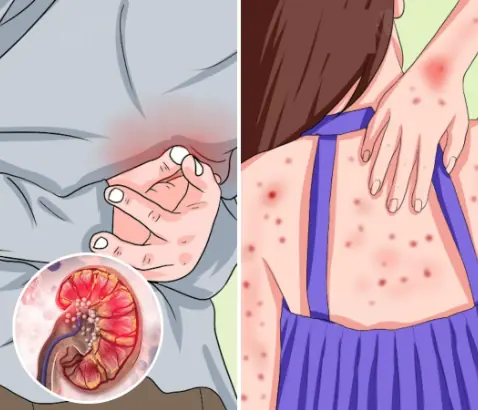

The truth about tomatoes 🍅 — doctors reveal their surprising effects on your health
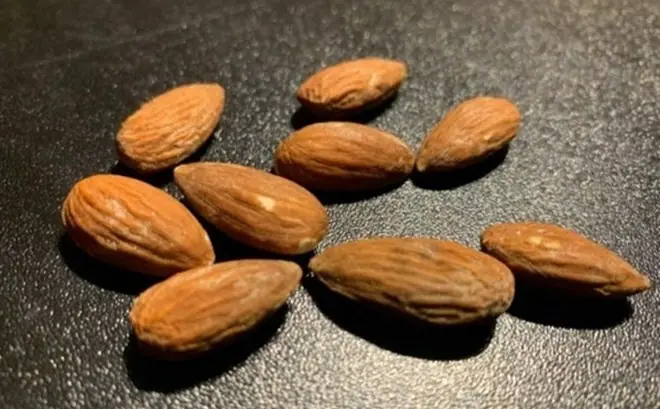
Doctors reveal the powerful effects of eating almonds daily on your overall health.
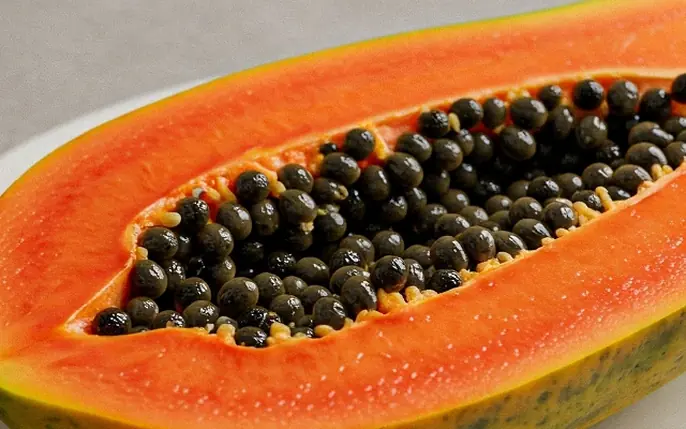
Most people love papaya but tend to overlook the benefits of its seeds

Why eating sweet potatoes in the morning may benefit your body?

Pumpkin Power: Doctors Reveal Its Surprising Effects on Your Body

Bananas: Small Fruit, Big Effects—According to Experts 🍌

Liver Trouble? Watch for Pain in These Areas
Pick one ring… the result might shock you
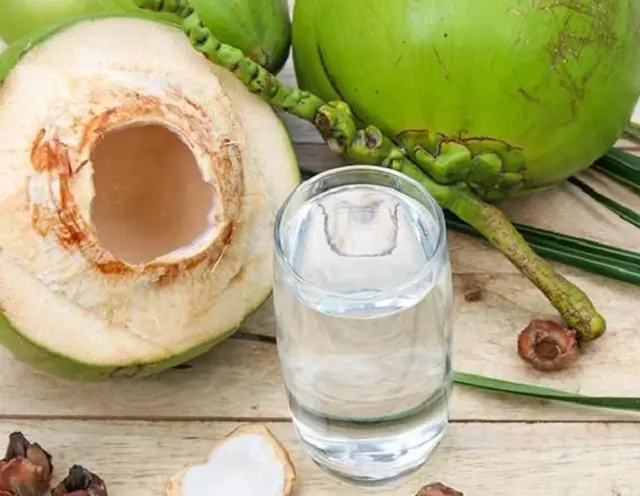
Coconut Water: Healthy for Many, Risky for These 7 Groups
Wearing Socks to Bed? Here’s What Happens
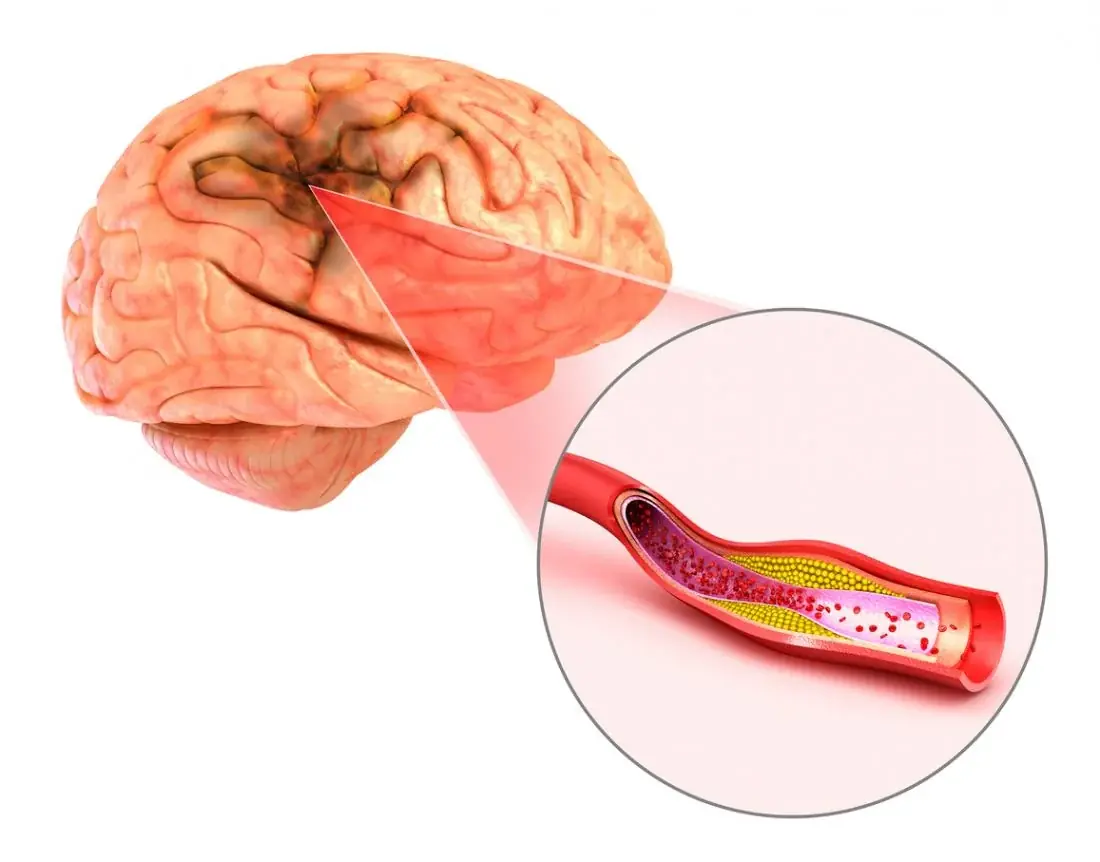
Many people mistake this for a normal headache

Understanding Tiny Red Skin Lesions: Etiology, Implications, and When to Act

She lost 20kg… but what happened next shocked doctors

Avoid this common post-meal habit—your health may thank you later.
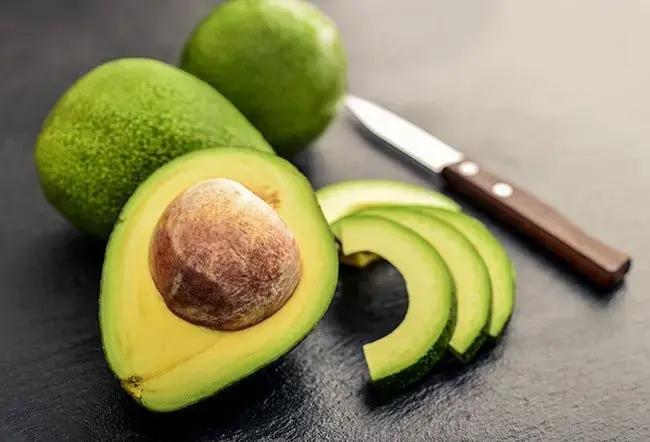
What happens to your body after eating avocado might surprise you
Most people ruin their stovetop without realizing it

If you have small breasts, you NEED to read this

A common vegetable may hold unexpected health-supporting properties.

It seems uncomfortable—but there’s a hidden benefit

This tiny sign might reveal more than you expect