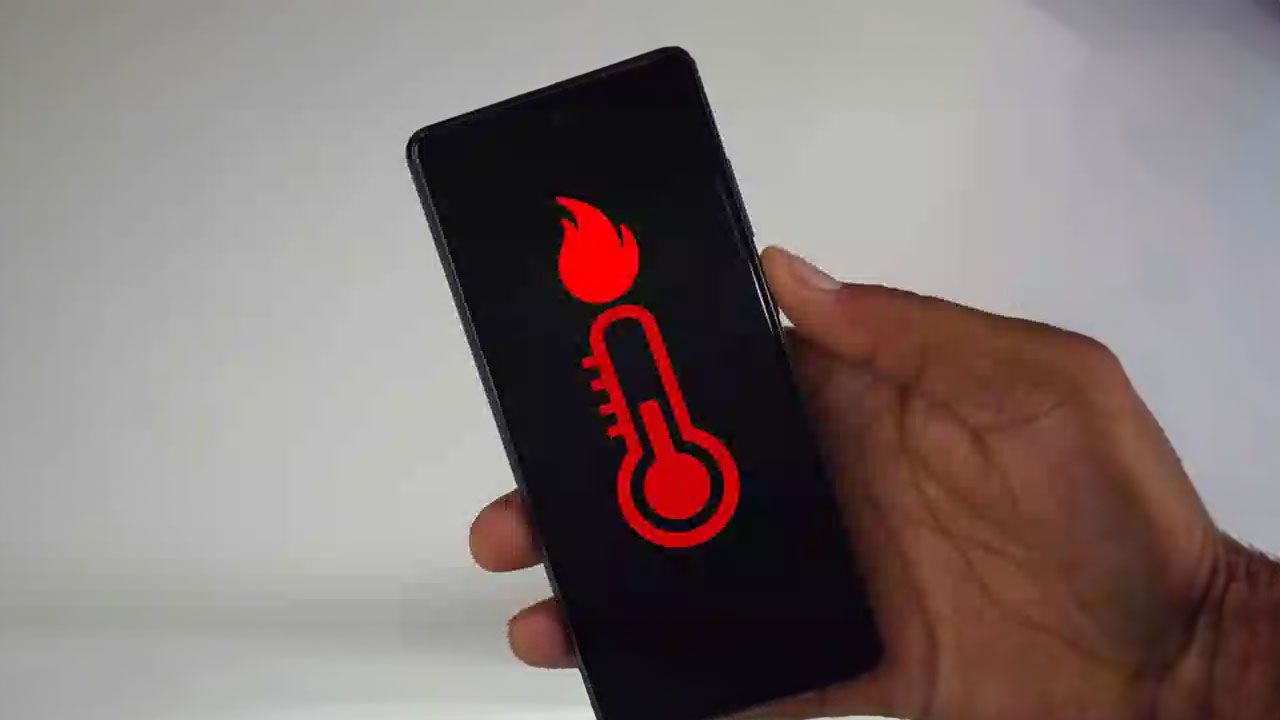
If your phone feels unusually hot or the battery seems to drop from full to empty far too quickly, your device is trying to tell you something. Overheating and rapid battery drain are not just minor inconveniences — they are warning signs that your phone is under stress. Left unaddressed, these issues can lead to slower performance, frequent freezing, unexpected shutdowns, and long-term hardware damage.
The good news is that most overheating and battery problems can be resolved with simple adjustments to how you use and maintain your phone. Below are practical, effective steps you can take to cool your device down, improve performance, and extend battery life.
1. Lower Screen Brightness and Use Battery-Saving Mode
Your screen is one of the biggest power consumers on your phone. High brightness levels not only drain the battery quickly but also generate extra heat and strain your eyes.
What to do:
-
Reduce screen brightness manually
-
Enable adaptive brightness if available
-
Turn on battery-saving or low-power mode when possible
These changes immediately reduce energy consumption and help keep your phone cooler throughout the day.
2. Close Unused Background Apps
Many apps continue running in the background even when you’re not actively using them. These hidden processes consume RAM, drain battery, and contribute to overheating.
What to do:
-
Open the multitasking menu
-
Swipe away apps you’re no longer using
-
Periodically review background app permissions in settings
Making this a habit significantly improves overall system efficiency.
3. Limit Continuous Video Recording and Photography
Long sessions of filming or taking photos push your phone’s processor and camera hardware to their limits, causing heat to build up quickly.
What to do:
-
Take short breaks between recording sessions
-
Avoid filming in high-resolution formats unless necessary
-
Let your phone cool down before continuing
This is especially important in warm environments.
4. Keep Your Phone Away from External Heat Sources
Using your phone in direct sunlight or near heat sources like stoves, heaters, or car dashboards can rapidly raise internal temperatures.
Why it matters:
-
Excessive heat can damage internal components
-
Prolonged exposure may reduce battery lifespan
-
Extreme cases can pose safety risks
Always place your phone in a cool, shaded area when not in use.
5. Avoid Using Your Phone While Charging
Using your phone during charging forces the battery to charge and discharge at the same time, generating excess heat and accelerating battery wear.
Best practices:
-
Avoid gaming, streaming, or heavy tasks while charging
-
Remove thick phone cases during charging to improve heat dissipation
-
Let the phone rest until it reaches a sufficient charge level
This simple change can significantly extend battery health.
6. Take Breaks During Gaming Sessions
Mobile games are among the most demanding applications, pushing the CPU, GPU, and battery simultaneously.
If your phone feels hot while gaming:
-
Pause the game
-
Close background apps
-
Allow the phone to cool before continuing
Short breaks prevent overheating and help maintain smooth performance.
7. Restart Your Phone Regularly
Restarting your phone clears temporary files, resets background processes, and frees up RAM. Over time, keeping your phone continuously on can cause system clutter and inefficiency.
Recommendation:
-
Restart your phone at least once a day or every few days
This simple habit can noticeably improve responsiveness and stability.
8. Keep Your Operating System Updated
Software updates are not just about new features — they often include performance optimizations, bug fixes, and battery management improvements.
Why updates matter:
-
Fix known overheating bugs
-
Improve energy efficiency
-
Enhance system security
Always install updates from official sources as soon as they’re available.
9. Turn Off Unnecessary Connections
Leaving mobile data, Wi-Fi, Bluetooth, GPS, or hotspot features on when not needed drains power and generates heat.
What to do:
-
Disable unused connections
-
Turn on airplane mode in low-signal areas
-
Use location services only when necessary
This not only saves battery but also reduces background system activity.
10. Remove Suspicious Apps and Avoid Untrusted Software
Malicious or poorly optimized apps can run hidden processes that overwork your phone, causing excessive heat and battery drain.
Protect your device by:
-
Downloading apps only from official app stores
-
Reviewing app permissions regularly
-
Uninstalling apps that behave unusually or consume excessive power
Security and performance go hand in hand.
11. Use an Original or Certified Charger
Low-quality or incompatible chargers can cause unstable charging, overheating, and battery degradation.
Best practice:
-
Use the original charger or a certified replacement
-
Avoid cheap, unbranded charging accessories
A good charger protects both your battery and your phone’s internal circuitry.
12. Avoid Running Too Many Features at Once
Running multiple demanding functions — such as GPS, video streaming, hotspot sharing, and heavy apps simultaneously — puts unnecessary stress on your phone.
Tip:
-
Close features you’re not actively using
-
Prioritize essential apps only
This reduces power consumption and prevents overheating.
13. Check Battery Health and Consider Replacement
If your phone still overheats and drains quickly despite following all these steps, the battery itself may be aging or damaged.
Signs of battery issues:
-
Rapid drops in battery percentage
-
Phone heating even during light use
-
Unexpected shutdowns
In such cases, have your battery checked by a professional. Replacing an old battery can dramatically improve performance and safety.
Final Thoughts
An overheating phone and fast battery drain are not problems you should ignore. Fortunately, most causes are linked to usage habits, software settings, or battery health - all of which can be managed with the right approach.
By reducing unnecessary strain on your device, keeping software up to date, and practicing smarter charging habits, you can restore smooth performance, extend battery life, and protect your phone for years to come.
Sometimes, a few small changes are all it takes to bring your phone back to its best.
