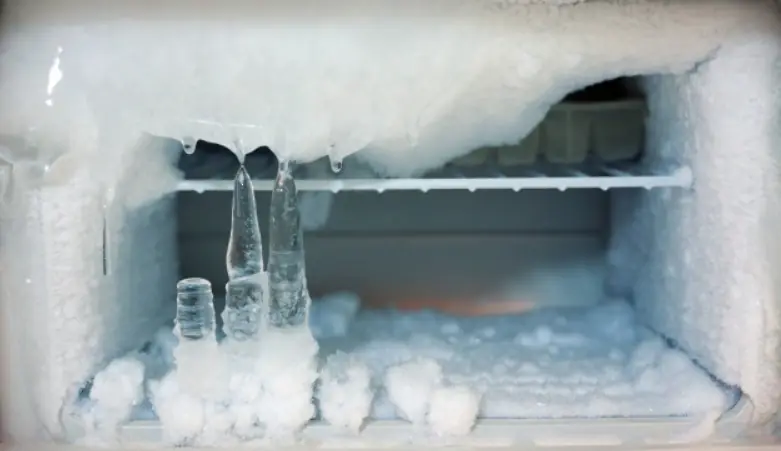
If your refrigerator freezer is frozen solid - Here’s what you should do immediately
Freezer Filled with Ice? Do This Simple Fix Right Away
Tips 15/03/2026 00:44
Smartphones have become an essential part of daily life. People use them for communication, entertainment, navigation, and work. However, while many users regularly clean their phone screens, one small but important part of the device is often overlooked: the speaker.
Over time, dust, lint, pocket debris, and even tiny food particles can accumulate inside the speaker grills of a phone. When this happens, the sound may become muffled, distorted, or noticeably quieter. Fortunately, there are several simple methods you can try at home to clean your phone’s speaker safely and restore its sound quality.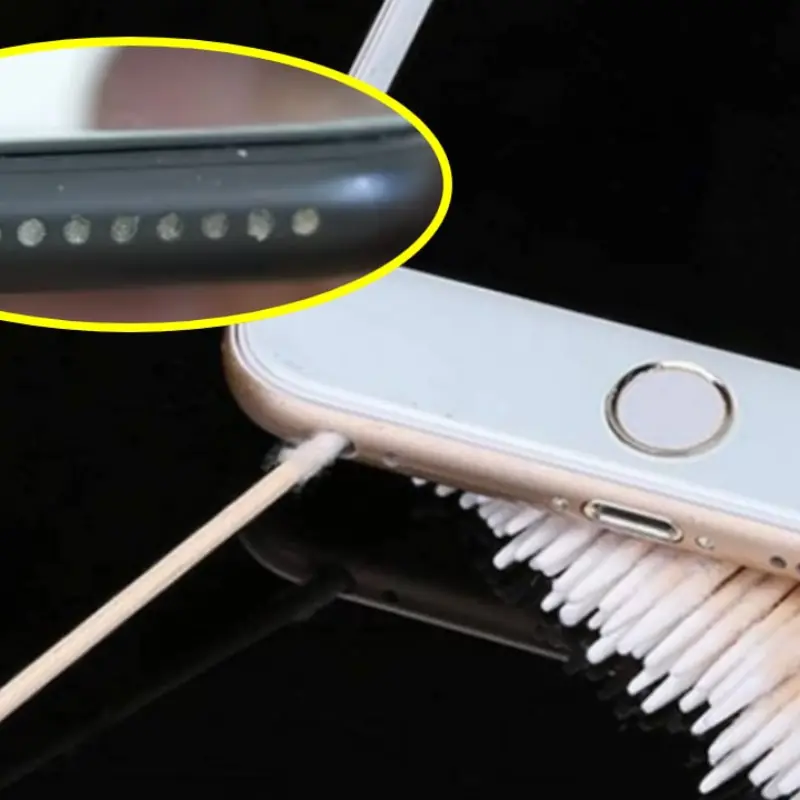
Phone speakers are usually protected by tiny grills or mesh openings designed to let sound pass through while keeping large particles out. However, because these openings are small, they can easily trap dust and debris.
Smartphones are frequently placed in pockets, bags, and on various surfaces throughout the day. As a result, tiny particles gradually build up inside the speaker openings. This buildup can interfere with sound vibrations and reduce audio clarity.
According to technology guides, gently brushing the speaker area with a soft brush is one of the simplest ways to remove debris without damaging the device. ()
One of the safest methods for cleaning phone speakers is using a dry, soft-bristled brush. A clean toothbrush or a small electronics brush can work well for this purpose.
Gently brush the speaker grill from side to side. This movement helps loosen dust particles trapped in the small openings. It is important not to press too hard because excessive pressure could push debris deeper into the speaker.
This simple technique often removes the majority of dust buildup and can significantly improve sound quality.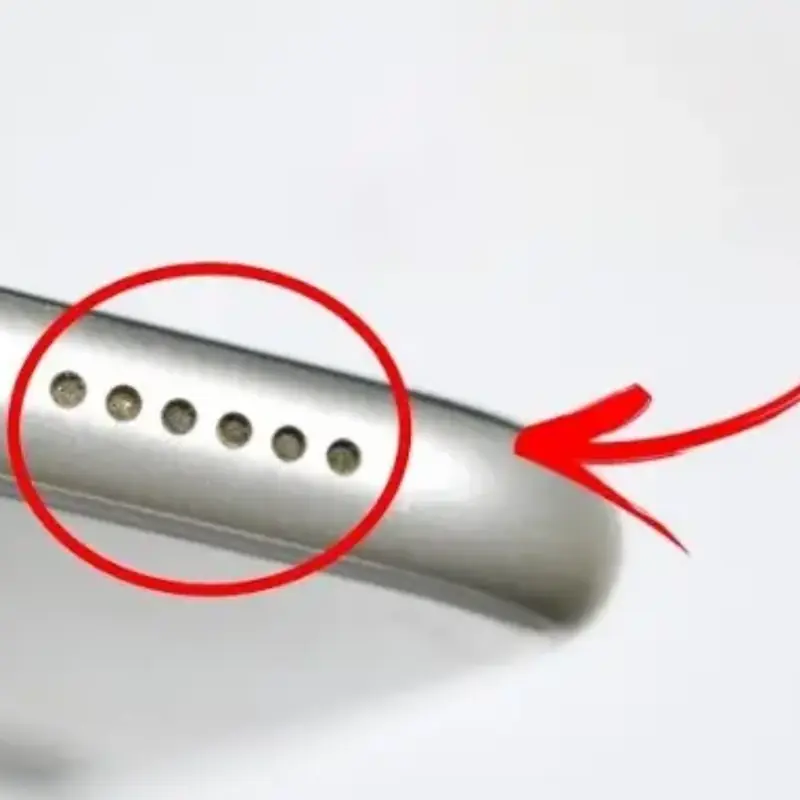
If brushing alone does not fully remove the debris, a cotton swab can be helpful. Lightly dampening the tip with a small amount of isopropyl alcohol can help break down stubborn dirt or residue. ()
However, caution is important when using liquids near electronics. The cotton swab should only be slightly damp, not wet. Excess moisture can damage internal components if it seeps into the phone.
Gently wipe around the speaker openings rather than inserting the swab directly into the grill.
Another simple method some people use involves adhesive materials such as cleaning putty or tape. Pressing a small piece of adhesive tape lightly onto the speaker area can lift loose dust and lint.
The sticky surface pulls debris out of the small openings without requiring sharp tools that might damage the speaker grill.
If using this method, make sure the tape is not too strong and avoid leaving residue behind.
Before cleaning any part of your phone, it is always recommended to power off the device. Disconnecting the phone from chargers or cables also reduces the risk of electrical damage.
Experts recommend using gentle cleaning materials such as microfiber cloths and avoiding excessive liquid during the cleaning process. ()
These precautions help protect sensitive electronic components while cleaning.
Although cleaning a phone speaker is relatively simple, there are a few common mistakes people should avoid.
For example, inserting sharp objects like needles, toothpicks, or pins into the speaker grill can damage the delicate mesh covering the speaker. Compressed air can also push dust deeper inside the phone if used incorrectly.
Another mistake is using too much liquid. Submerging the phone or spraying cleaning products directly onto it can cause serious internal damage.
Gentle cleaning methods are usually the safest and most effective approach.
Preventing buildup is easier than removing it later. Simple habits can help keep your phone speaker cleaner for longer.
For example, try to keep your phone in a clean pocket or case rather than placing it loosely in dusty bags. Regularly wiping the phone with a microfiber cloth can also reduce dust accumulation.
Cleaning the speaker lightly every few weeks can prevent debris from building up and affecting audio quality.
In most cases, simple home cleaning methods will restore the sound quality of your phone’s speaker. However, if the speaker remains muffled after cleaning, the issue may be caused by internal damage or moisture inside the device.
In such cases, professional repair services may be necessary to inspect and fix the problem safely.
Your phone’s speaker plays a crucial role in calls, music, videos, and notifications. Keeping it clean ensures clear sound and better overall performance.
With just a few simple tools—such as a soft brush, cotton swab, or microfiber cloth—you can easily remove dust and debris from your phone’s speaker at home. By taking a few minutes to clean it occasionally, you can extend the life of your device and enjoy clearer audio every day.
Freezer Filled with Ice? Do This Simple Fix Right Away

Most Guests Think It’s Decoration — But The Truth Is Different
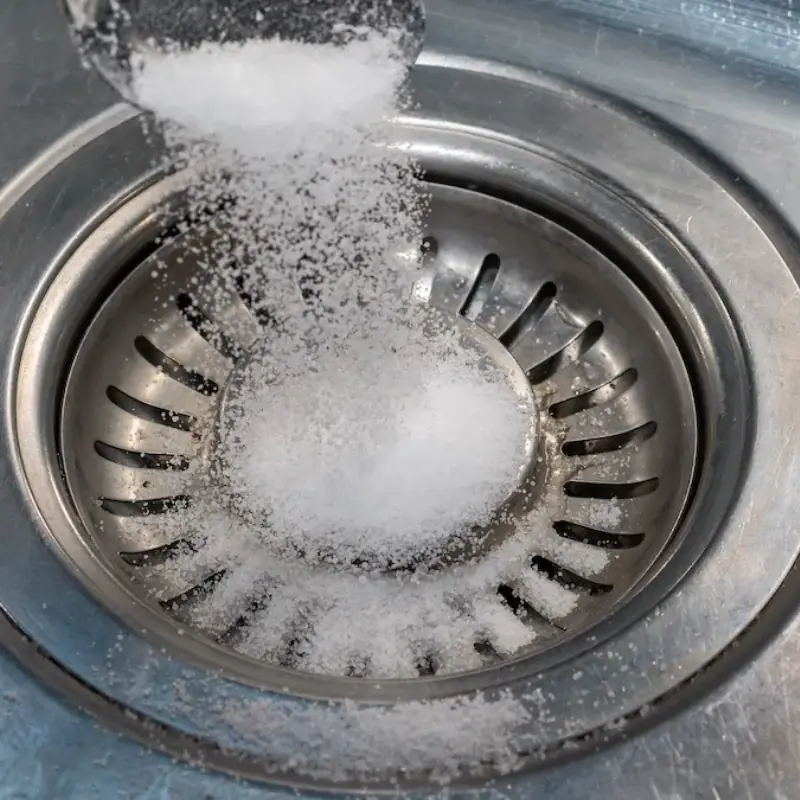
A simple salt trick may help keep drains cleaner overnight.
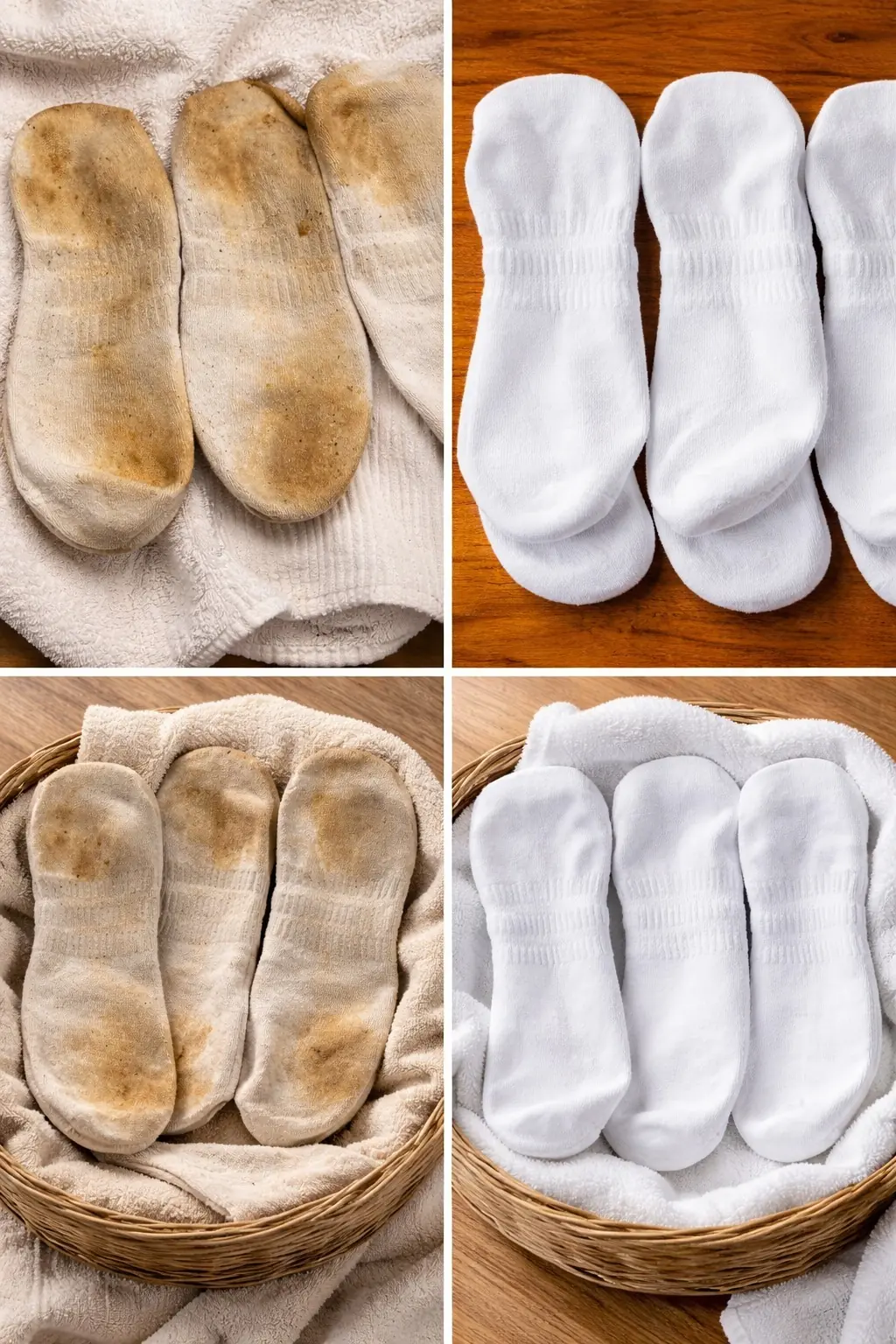
White Socks Turn Dirty? Try This Trick Without Using Bleach
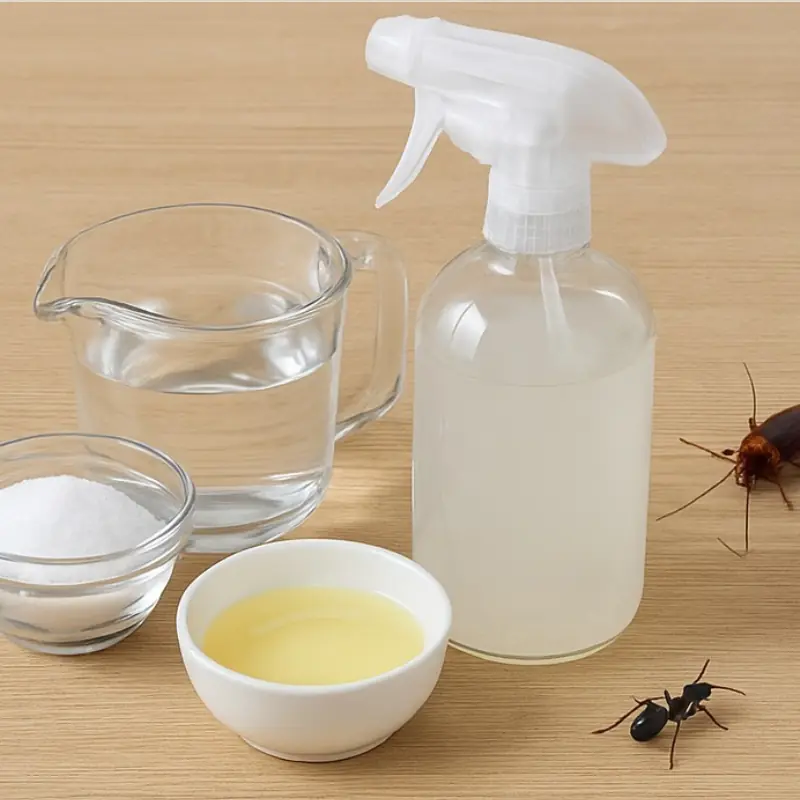
A simple homemade solution can help keep ants and roaches away.

A 3-Second Look Can Tell You If Salmon Is Worth Buying

Experienced Shoppers Always Check This Part of the Shrimp
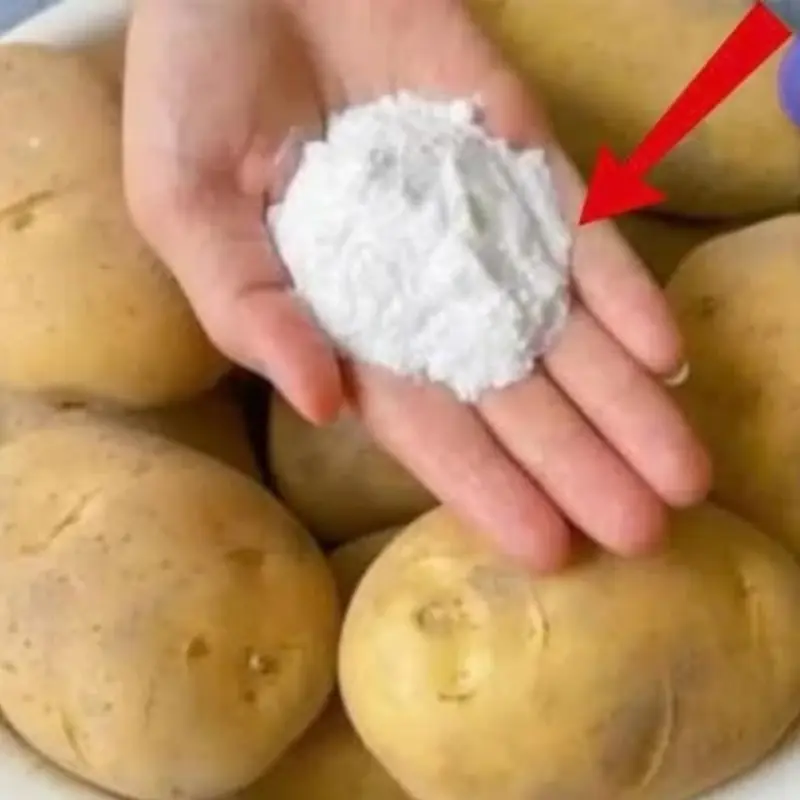
Simple storage tricks help potatoes stay fresh for up to a year.
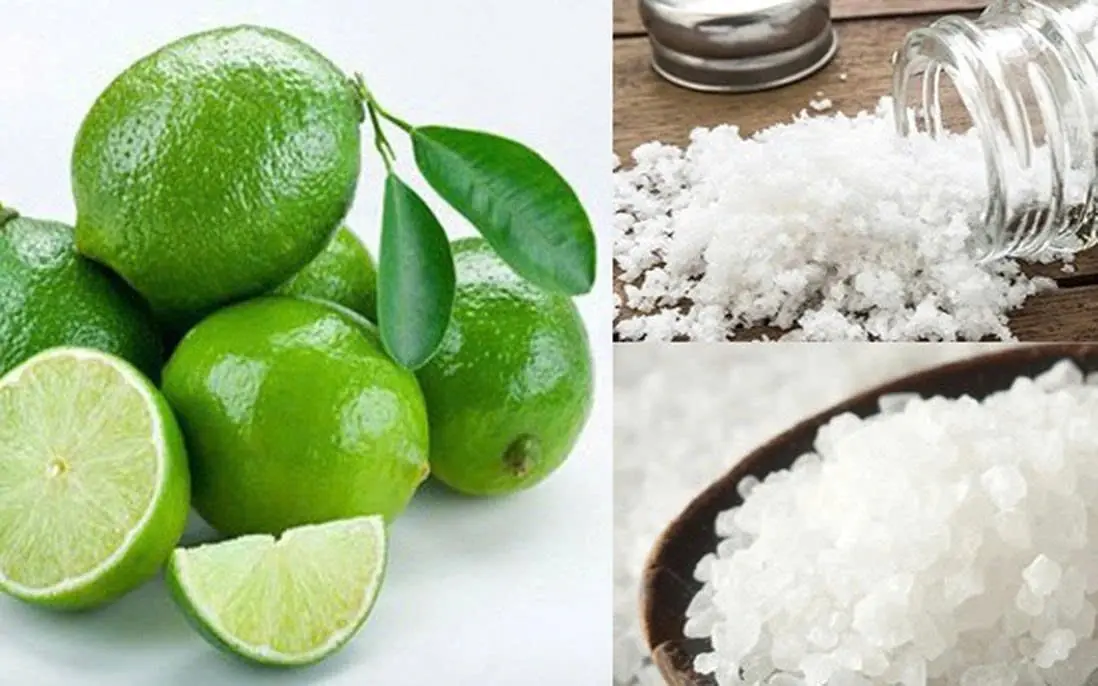
The Surprising Benefits of Placing Lemon with Salt in Your Room

5 Plants That Might Bring Snakes Into Your Garden – Many People Still Grow Number 1

When Buying Eggs, Should You Pick Red or White Ones?
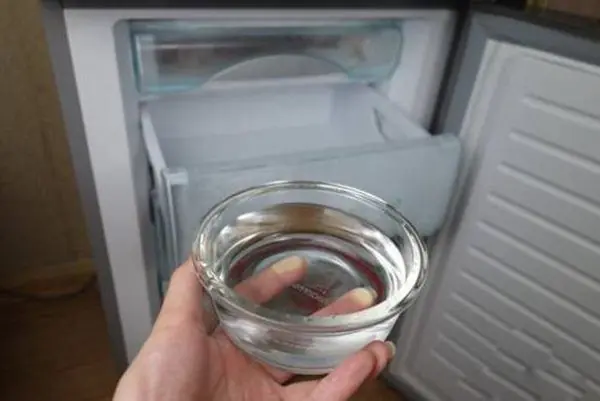
How a Bowl of Water Can Help Your Refrigerator Save Electricity
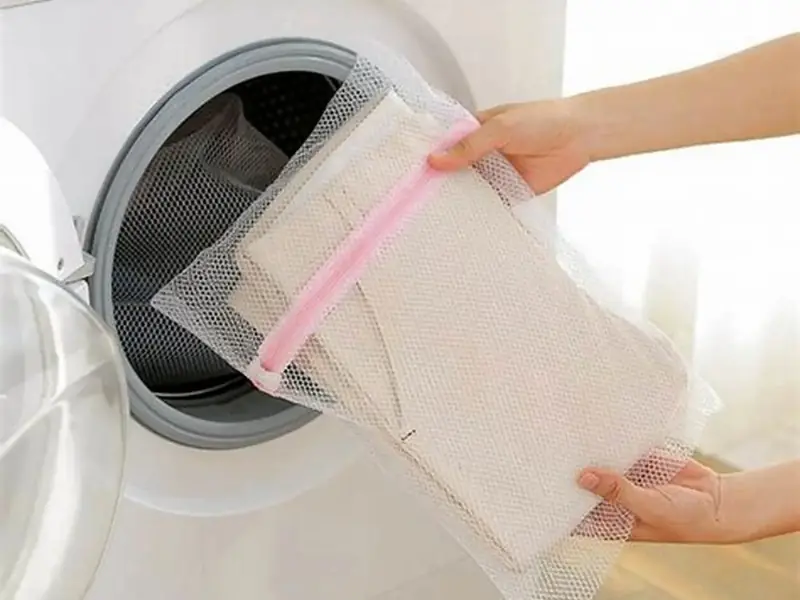
Do This Before Washing to Keep Clothes Smooth Without Ironing

What Happens When You Put Peppercorns Under Your Bed?

One Natural Ingredient That Can Transform Your Skin
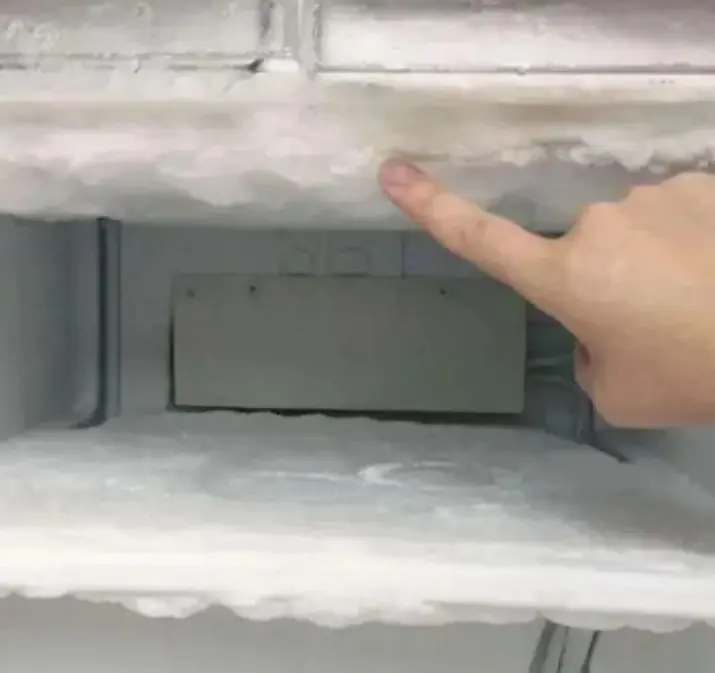
Thick ice in your fridge can be removed quickly with this trick.
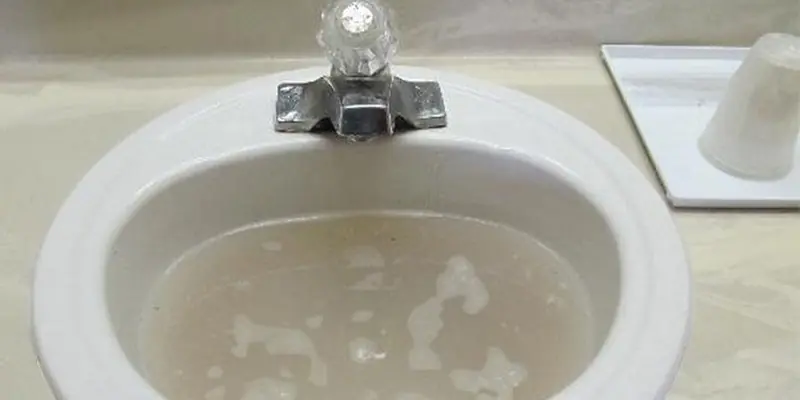
How to Quickly Unclog and Eliminate Odors with One Simple Step

Beer and Salt: The Little-Known Home Trick That Can Be Surprisingly Useful

Why Some People Put Ginger Next to Their Pillow at Night?

Your Feet Are Sending Signals: 12 Possible Signs of High Blood Sugar and Diabetes
Freezer Filled with Ice? Do This Simple Fix Right Away


After carefully reviewing the couple’s daily habits, doctors identified a “silent culprit” — a refrigerator that was always overstuffed and rarely cleaned.
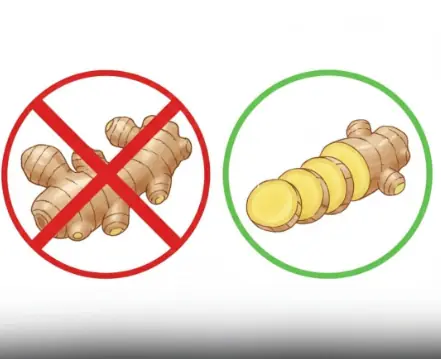
Ginger is often celebrated for its powerful anti-inflammatory and digestive benefits. It’s a popular home remedy for nausea, colds, and muscle pain — and for most people, it’s perfectly safe.

Have you ever wondered if your heart is really doing okay? It’s a big question, especially since heart disease is a major cause of death worldwide.

Fatty liver disease is a serious condition that can quietly harm your health over time.

The ultra-wealthy are investing in cryogenic freezing, preserving their bodies at ultra-low temperatures with the hope that future science will bring them back to life.

For millions of people worldwide, mornings simply don’t begin until that first aromatic sip of coffee.

7 Morning Signs That May ‘Betray’ Diabetes

You clear your throat… again. That sticky, stubborn mucus just won’t budge—no matter how much you cough, swallow, or sip water.

Cancer is one of the greatest threats to human health.
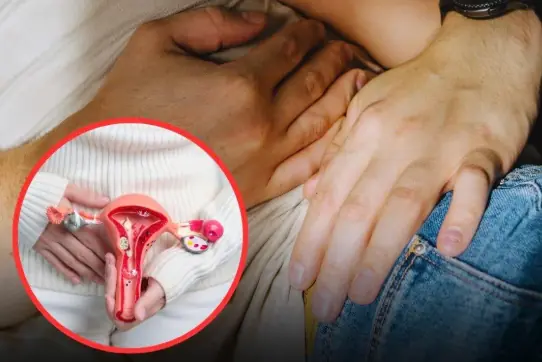
3 inti.mate habits of husbands that may increase wives ri.sk of cer.vical can.cer

Did you know that the main cause of death in the US are heart attacks?
Most Guests Think It’s Decoration — But The Truth Is Different
A simple salt trick may help keep drains cleaner overnight.

Swollen hands and feet can signal important health changes.
White Socks Turn Dirty? Try This Trick Without Using Bleach

Most People Think It Means Belly Rubs… But It Doesn’t