The volume button on the phone is not only used to adjust the volume when listening to music or making calls, but also has many other uses.
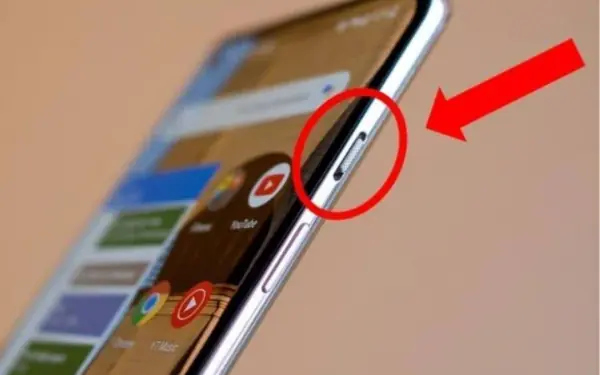
Turn off the call
While working, in a meeting, on a business trip or discussing work with a customer, if you forget to turn off the call or there is an unexpected call, what should you do? Many people will be startled when they hear the phone ring in this situation. To quickly turn off the phone, you can quickly press the volume down button. The phone will stop ringing but the call will not be disconnected. After that, you can listen to the phone or hang up depending on the specific situation. Turn off the flashlight
The flashlight function on the phone is very convenient and is often used by everyone, especially when going out at night or in low-light environments, without street lights... After using the flashlight, you will have to turn on the screen, slide the display bar to turn off the light.
There is a little tip to help you turn off the flashlight on your phone faster without having to turn on the screen, which is to use the volume button. Just press the volume down button twice to turn off the flashlight. Note, not all phones have this feature.
Set phone volume
To set the volume of them, notifications, many people will open the sound settings in the phone. However, to do this faster, you just need to unlock the screen, press the volume up - down button to reset the volume of the phone.