We all know the iPhone has evolved dramatically over the years, but there’s one part of the device that has quietly stayed the same — those two small volume buttons on the side. While most users think they’re only for turning sound up or down, the truth is they hold a surprising number of hidden functions that can make everyday tasks quicker and easier. These built-in shortcuts can help you take better photos, handle emergencies, and even troubleshoot technical glitches without digging through menus.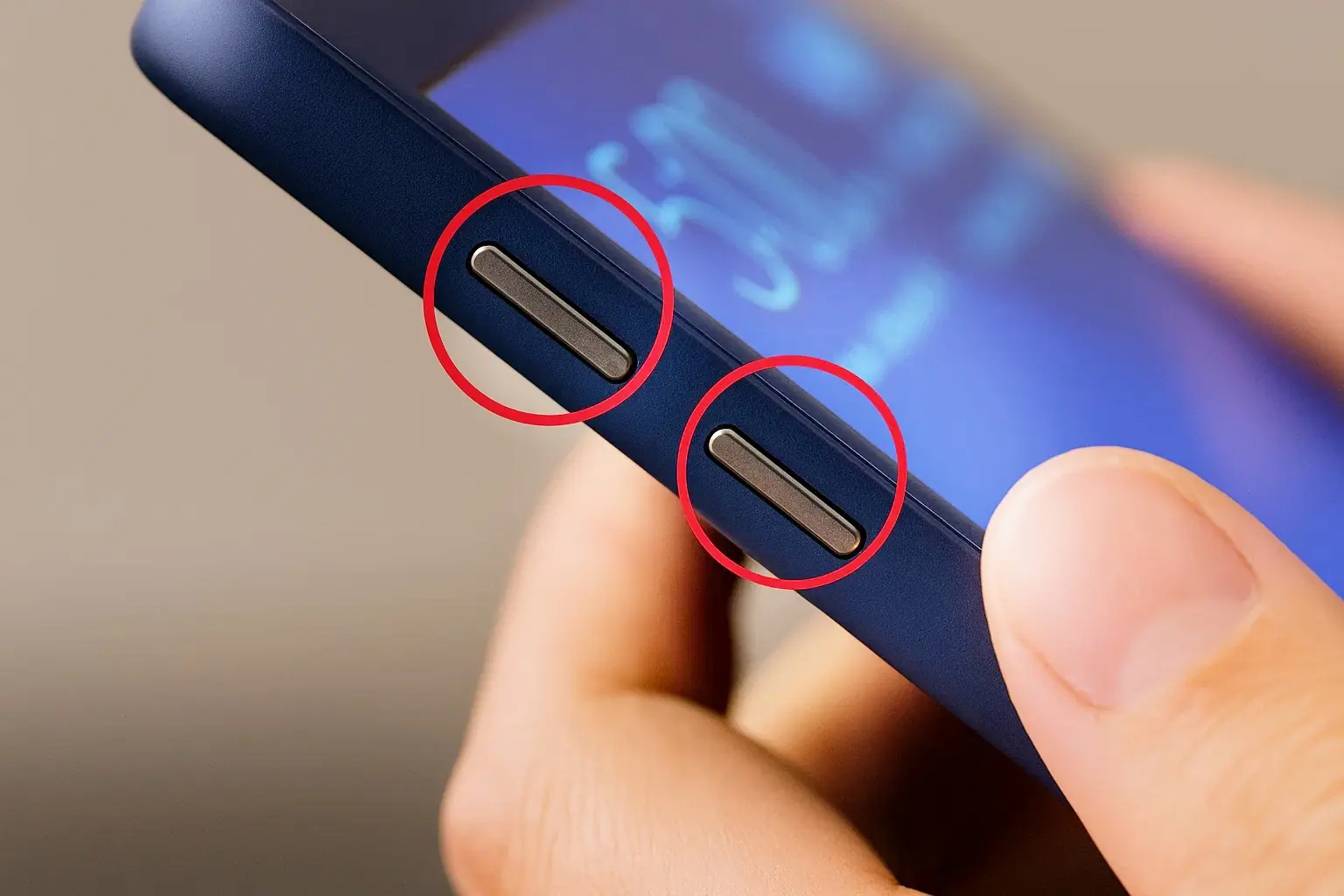
Let’s dive into the hidden powers of your iPhone’s volume buttons and discover why they’re far more useful than you think.
- Turn Your Volume Buttons into a Camera Shutter
Forget awkwardly tapping the screen to take a picture — your iPhone’s volume buttons double as a physical shutter. Pressing either button instantly captures a photo, whether you’re in portrait, panorama, or standard mode. Recording a video? Just press to start and press again to stop. For burst photos on newer models, hold the volume up button, and your phone will take multiple shots per second — perfect for action scenes or moving subjects.
- Scan Documents Without Touching the Screen
In productivity apps like Notes, Files, Mail, or Reminders, you can use the volume buttons as a document scanner trigger. Instead of fumbling to press an on-screen button, simply aim your camera and press either volume button to snap a scan instantly. This is especially handy when you’re holding papers in one hand and your phone in the other.
- Control Your Morning Alarms with a Tap
If you’ve ever reached for your phone half-asleep, you’ll love this: pressing a volume button can snooze or stop your alarm. It’s a lifesaver on groggy mornings, letting you delay wake-up time without having to find and tap the screen.
- Quick-Launch Emergency SOS Calls
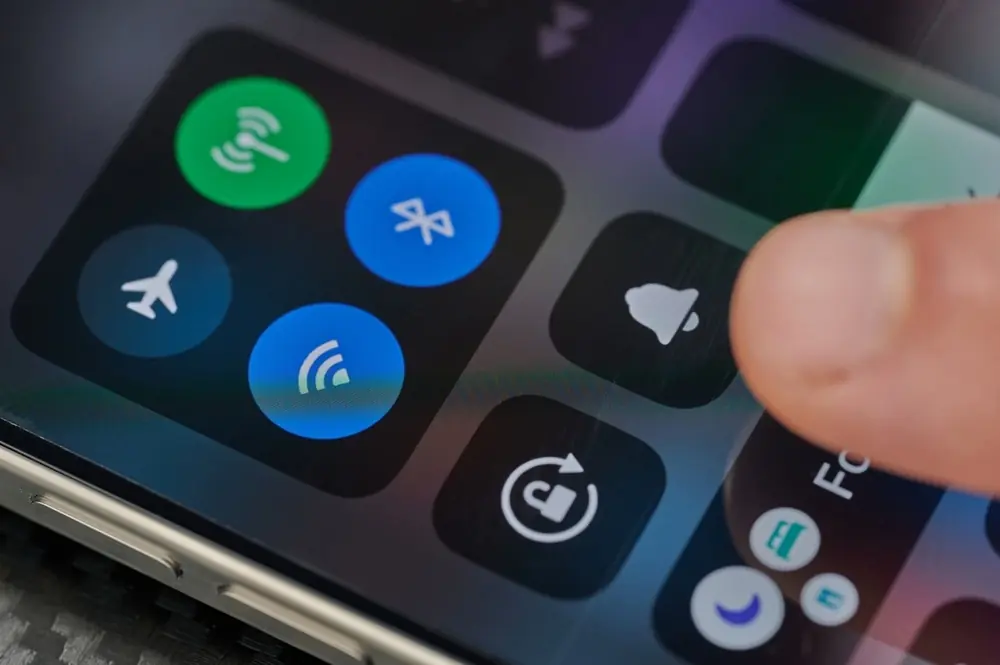
In urgent situations, seconds matter. Holding down the side lock button and either volume button instantly pulls up the SOS slider. Swipe it, and your iPhone calls emergency services — even if the device is locked. This shortcut is particularly useful when you need help discreetly.
- Rescue a Frozen iPhone
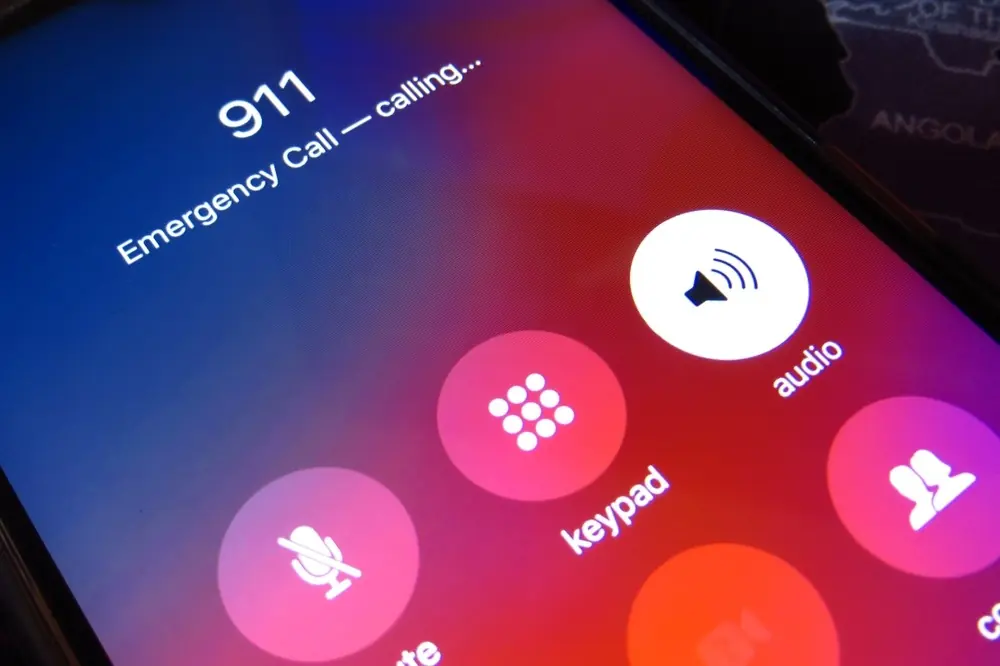
If your phone locks up or becomes unresponsive, you can force a restart without touching the screen. Press the volume up button, then the volume down button, and finally hold the side lock button until you see the Apple logo. This hard reset can often fix glitches that a regular restart can’t.
- Temporarily Disable Face ID or Touch ID
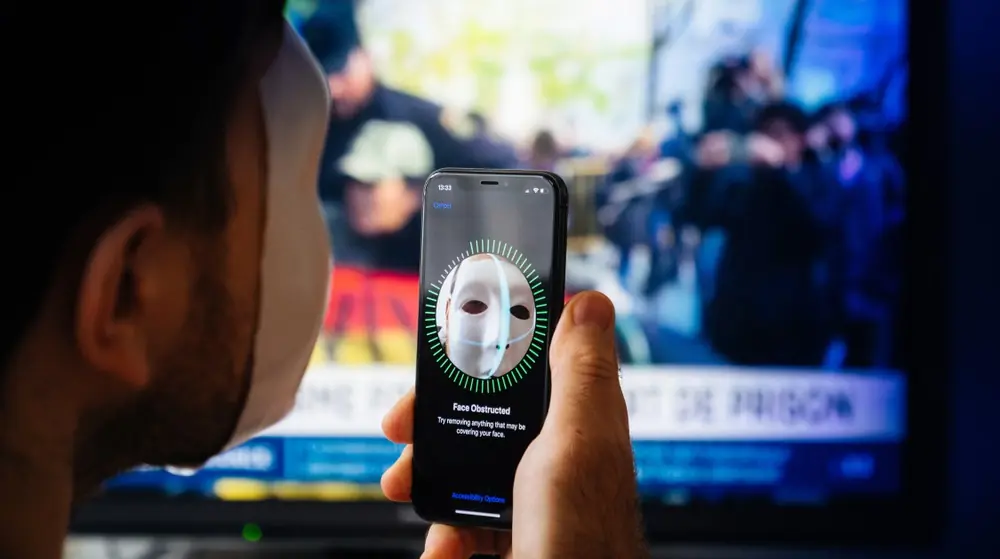
Need to protect your privacy instantly? Hold the side button and either volume button for two seconds, and Face ID or Touch ID will be temporarily disabled. This forces your phone to require the passcode for access, giving you an added layer of security in certain situations.
- Silence Calls Instantly
Whether you’re in a meeting or just need peace and quiet, pressing a volume button will silence incoming calls — including FaceTime calls. Even in silent mode, it will also stop vibrations, making it an easy way to discreetly ignore interruptions.
The Secret Side of iPhone Buttons
These shortcuts prove that the iPhone’s volume buttons are far more than sound controls — they’re built-in multi-tools that can make everyday life more convenient. By mastering these hidden tricks, you’ll save time, capture better moments, and know exactly what to do in emergencies.
Your iPhone may only have a few buttons, but with the right knowledge, they can unlock a whole world of efficiency and control.