You unplug your phone, put it on the table, and walk away.
But the charger stays right there in the wall.
It may seem completely harmless. After all, nothing is connected to it. Your phone isn't charging, the cable isn't doing anything, and the charger may not even feel warm.
So why bother unplugging it?
The truth is that a modern charger sitting in an outlet usually isn't consuming a dramatic amount of electricity or automatically creating a dangerous situation. However, leaving chargers plugged in unnecessarily can still have some downsides, particularly when the charger is damaged, poorly made, exposed to heat or moisture, or left in an unsafe location.
There are three practical reasons to think about unplugging unused chargers:
They can continue drawing a small amount of standby power.
They can become a safety concern if the charger or outlet is damaged or overheats.
And unplugging unused equipment reduces unnecessary electrical connections and clutter.
Let's take a closer look.
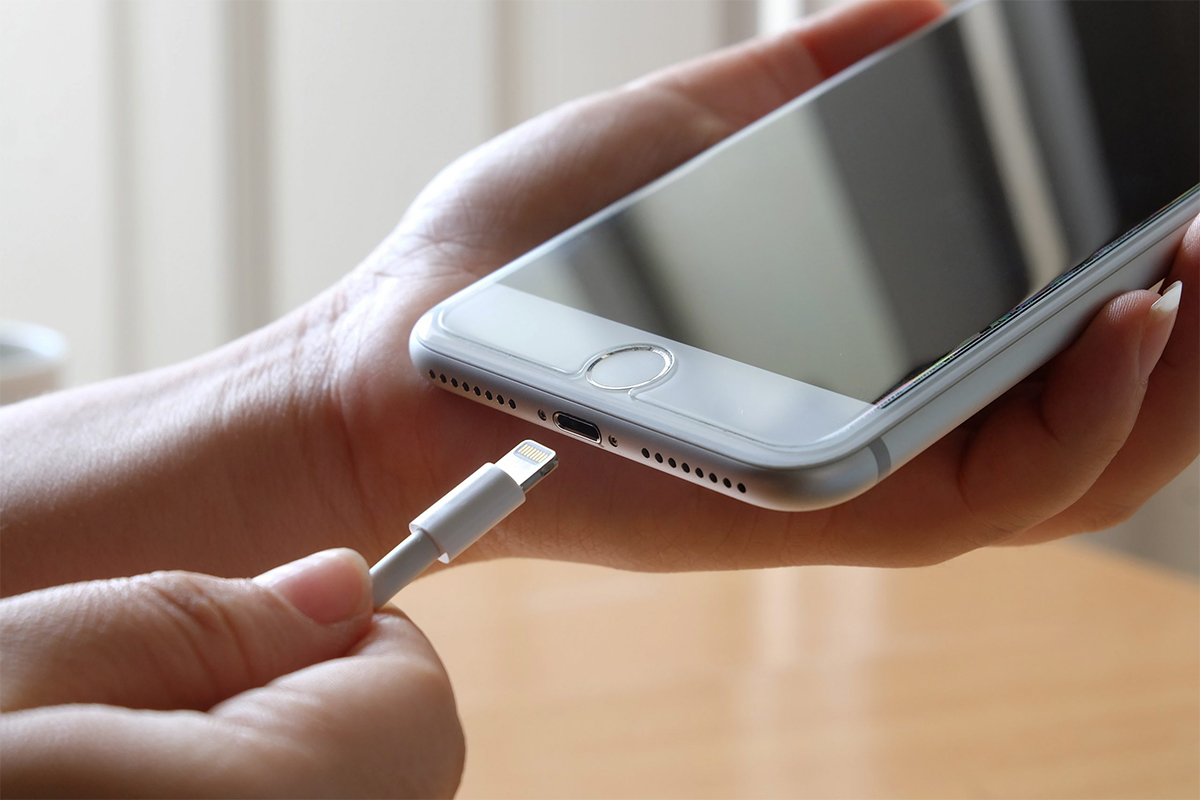
1. An Empty Charger Can Still Use a Small Amount of Electricity
One of the biggest misconceptions about chargers is that they use absolutely no electricity when nothing is connected.
In reality, many chargers consume a small amount of power while plugged into an outlet.
This is sometimes called standby power, idle power, or vampire power.
A charger contains electronic components that convert household AC electricity into the lower-voltage DC electricity needed by your phone.
When the charger remains connected to the wall, some of those internal components can remain energized even when your phone isn't connected.
The amount is generally small with modern, efficient chargers.
So you shouldn't expect unplugging one phone charger to suddenly transform your electricity bill.
But multiply a tiny amount of standby consumption by many devices, adapters, and electronics throughout a home, and the cumulative effect can become more meaningful.
The Bigger Issue Is the Number of Devices
Think about everything that may remain plugged in around a typical home:
-
Phone chargers
-
Tablet chargers
-
Laptop adapters
-
Smart speakers
-
TVs
-
Game consoles
-
Printers
-
Computer monitors
-
Streaming devices
-
Kitchen appliances
-
Battery chargers
-
Other power adapters
Some of these consume power continuously.
Others consume very little.
Modern electronics are generally much more efficient than older devices, so claims that every plugged-in charger is secretly adding a huge amount to your electricity bill are exaggerated.
Still, if a charger isn't being used and is easy to unplug, eliminating unnecessary standby consumption is a simple habit.
2. A Damaged or Poor-Quality Charger Can Become a Safety Problem
This is arguably more important than the tiny amount of electricity a charger may consume.
A properly functioning charger from a reputable manufacturer is designed to operate safely under normal conditions.
But chargers can deteriorate.
A charger may become damaged after being:
-
Dropped
-
Crushed
-
Bent repeatedly
-
Exposed to moisture
-
Overheated
-
Used with a damaged cable
-
Pulled out by the cord
-
Stored improperly
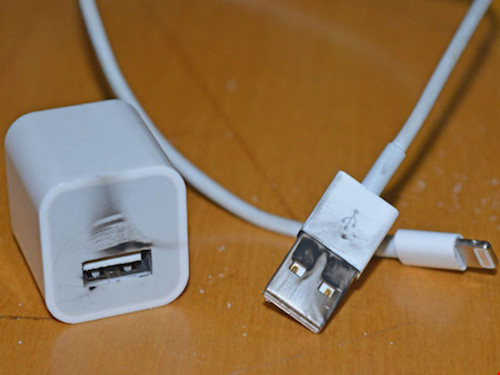
The plastic casing can crack.
The electrical prongs can become damaged.
The cable can fray.
Internal components can fail.
These problems can increase the risk of overheating, electrical faults, or other hazards.
Pay Attention to Heat
A charger that feels slightly warm while operating isn't necessarily abnormal.
Electronic components can generate some heat during normal operation.
But excessive or unusual heat is a warning sign.
If an adapter becomes extremely hot, develops a burning smell, makes unusual noises, shows discoloration, or repeatedly causes an outlet to become hot, stop using it.
Don't simply move it to another outlet and hope the problem disappears.
Replace the charger or have the electrical issue assessed.
What About Chargers Left Plugged in Overnight?
This is a common concern.
People sometimes imagine that leaving an empty charger plugged into the wall overnight is inherently dangerous.
For a modern, undamaged, properly certified charger connected to a properly functioning electrical outlet, the risk is generally low under normal conditions.
However, low risk doesn't mean zero risk.
Electrical equipment can fail.
That's why basic precautions still matter.
If you don't need the charger plugged in overnight, unplugging it is a simple way to eliminate that particular energized connection.
This is especially sensible if the charger is old, damaged, unusually hot, or of questionable quality.
Cheap Chargers Deserve Extra Caution
Not all chargers are manufactured to the same standards.
A suspiciously cheap charger from an unknown source may not provide the same level of electrical protection as a reputable product that meets applicable safety standards.
Some poorly manufactured adapters may have inadequate insulation, weak components, or insufficient protection against abnormal electrical conditions.
That doesn't mean every inexpensive charger is dangerous.
It means price alone shouldn't be your only consideration when buying electrical equipment.
Look for reputable manufacturers and appropriate safety certifications for your region.
3. Unplugging Reduces Unnecessary Electrical Connections
There's another simple reason to unplug unused chargers:
If it isn't needed, it doesn't have to remain connected.
This becomes particularly useful in situations where electrical equipment is exposed to unusual conditions.
For example, you may want to disconnect unnecessary electronics when:
-
Leaving home for an extended period
-
A severe storm is approaching
-
The outlet or electrical system has a known problem
-
The charger is showing signs of damage
-
The device is in a location where it could get wet
-
The charger is no longer needed
Unplugging doesn't solve every electrical problem, but it removes one unnecessary device from the circuit.
What About Lightning and Power Surges?
During severe thunderstorms, power surges can potentially damage electronics.
Unplugging sensitive electronics can provide a layer of protection because a disconnected device isn't directly connected to the electrical supply.
However, you shouldn't rely on unplugging alone to protect an entire home.
Proper electrical installation, surge protection, and appropriate safety devices are also important.
And remember that some systems—such as certain security equipment, networking equipment, medical devices, or essential appliances—may need to remain powered.
Don't unplug critical equipment simply because you're trying to eliminate standby power.
Not Every Device Should Be Unplugged
This is an important distinction.
The message shouldn't be:
"Unplug everything in your house."
That's neither practical nor necessarily beneficial.
Some equipment needs continuous power.
For example:
Refrigerators and freezers
Obviously, you shouldn't unplug these simply to save a tiny amount of standby electricity.
Medical equipment
Never disconnect essential medical equipment without following the instructions of the healthcare professional or equipment manufacturer.
Security systems
Home security systems may need continuous power.
Networking equipment
Routers and other networking equipment may need to remain connected if you rely on them for internet access or connected devices.
Essential appliances
Some appliances are designed to remain connected.
The goal is to eliminate unnecessary connections—not to disconnect everything.
The Charger Cable Matters Too
People often focus on the adapter itself while ignoring the cable.
But damaged charging cables can also present safety problems.
Watch for:
-
Exposed wires
-
Cracked insulation
-
Fraying
-
Bent connectors
-
Loose plugs
-
Burn marks
-
Unusual heating
If a cable is damaged, replace it.
Don't wrap exposed wires with tape and continue using the cable indefinitely.
Electrical repairs should be handled appropriately rather than improvised.
Why You Shouldn't Yank the Cable
Another common habit can damage chargers over time.
Instead of pulling the cable to disconnect the charger, grip the plug or connector appropriately.
Repeatedly pulling on the cord can weaken the connection between the cable and plug.
Eventually, that can lead to fraying or internal damage.
A few extra seconds of careful handling can extend the life of your charging equipment.
What About Your Phone Battery?
Leaving a charger plugged into the wall when your phone isn't connected doesn't directly damage your phone battery.
The charger isn't communicating with your phone because the phone isn't connected.
Likewise, unplugging the charger from the wall isn't a special battery-health treatment.
If you're concerned about battery longevity, what matters more is how the phone itself is charged and managed.
Modern smartphones have sophisticated battery-management systems, although heat, charging habits, battery age, and usage patterns can all affect battery health.
Does Unplugging Chargers Really Save Money?
Yes—but usually not a lot from one charger.
This is where online advice often becomes exaggerated.
A modern phone charger may consume very little electricity when idle.
So unplugging a single charger may save only a tiny amount over a year.
If you have dozens of devices continuously drawing standby power, however, the combined effect can be larger.
If your goal is to significantly reduce your electricity bill, focus on the biggest energy users in your home.
Depending on your household, these may include:
-
Air conditioning
-
Electric water heating
-
Heating systems
-
Clothes dryers
-
Refrigeration
-
Electric cooking
-
Large appliances
Unplugging a tiny phone adapter shouldn't distract you from managing the equipment responsible for most of your electricity consumption.
A Better Strategy: Use Smart Power Strips
If you have several devices in one location, repeatedly unplugging individual adapters can become annoying.
A switched or smart power strip can make this easier.
For example, you might connect entertainment equipment to one power strip and turn the strip off when the equipment isn't needed.
This can reduce standby consumption from multiple devices at once.
However, don't overload power strips.
Always follow the manufacturer's instructions and the electrical rating of the equipment.
And never connect power strips together in a chain simply to create more outlets.
Keep Chargers Away From Heat and Moisture
Where you place a charger matters.
Avoid covering chargers with blankets, clothing, or other materials that could trap heat.
Don't use electrical equipment with wet hands or around water unless it is specifically designed for that environment.
Never place a charger where it can easily fall into a sink, bathtub, or other source of water.
A charger is an electrical device—not something that should be treated like an ordinary piece of plastic.
Signs It's Time to Replace a Charger
Don't wait for a dramatic failure.
Replace a charger if you notice:
-
Cracks in the casing
-
Exposed wires
-
Melted plastic
-
Burn marks
-
A burning odor
-
Excessive heat
-
Sparks
-
Unusual buzzing
-
Loose electrical connections
-
Repeated charging interruptions
-
Visible corrosion or water damage
If an outlet itself becomes hot, discolored, or produces sparks, the problem may involve the electrical installation rather than the charger.
In that situation, stop using the outlet and have it checked by a qualified electrician.
What If Your Charger Is Working Perfectly?
If your charger is modern, undamaged, from a reputable manufacturer, and connected to a properly functioning outlet, there's generally no reason to panic simply because you forgot to unplug it.
You don't need to run around the house unplugging every adapter immediately.
The practical lesson is more straightforward:
When something isn't being used and is easy to disconnect, unplugging it is a reasonable habit.
It can eliminate small standby consumption and removes an unnecessary energized device from the environment.
A Simple Nighttime Routine
If you want to make this habit automatic, create a short routine before bed.
Check:
Phone charger: Unplug if not needed.
Laptop adapter: Disconnect if you're finished using it.
Portable battery charger: Unplug when appropriate.
Small appliances: Turn off or disconnect unnecessary equipment.
Damaged electronics: Don't use them.
Essential equipment: Leave it connected if it needs continuous power.
This takes less than a minute once it becomes habitual.
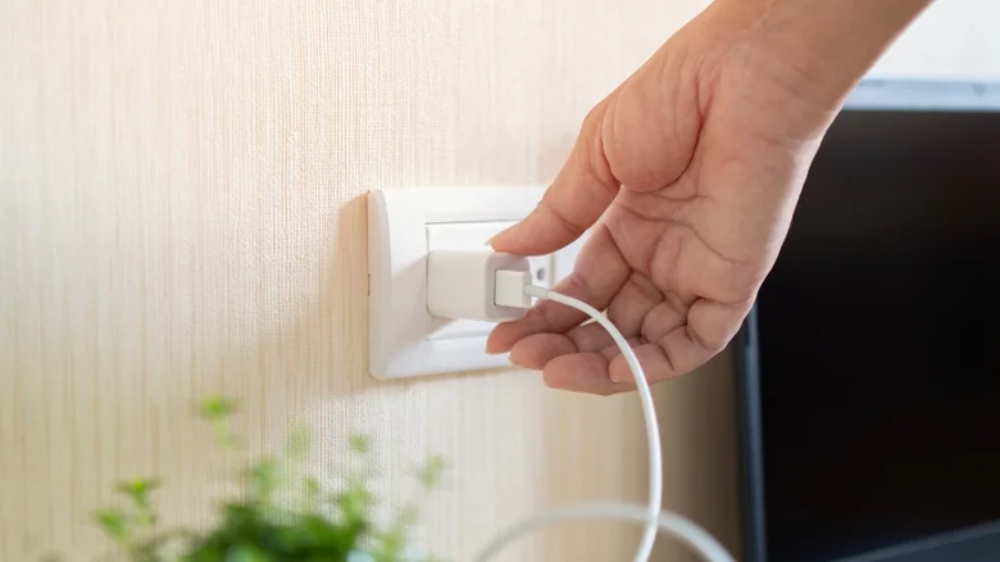
The Three Reasons in Simple Terms
Let's bring everything together.
Reason #1: Standby electricity
An unused charger can still draw a small amount of electricity while plugged in.
The amount is usually tiny, but eliminating unnecessary standby consumption can add up across many devices.
Reason #2: Electrical safety
A damaged, defective, overheated, or poor-quality charger can present a greater concern than its electricity consumption.
Unplugging an unnecessary charger eliminates its connection to the electrical supply.
Reason #3: Less unnecessary equipment left energized
If you're away from home, dealing with storms, or simply don't need the charger, disconnecting it can be a sensible precaution.
The Bottom Line
An empty phone charger plugged into the wall isn't automatically dangerous.
Modern chargers are generally designed to consume very little power when idle, and a good-quality, undamaged charger connected to a properly functioning outlet is normally low risk.
But that doesn't mean there's no reason to unplug it.
Doing so can eliminate small amounts of standby electricity, reduce unnecessary energized connections, and encourage better electrical-safety habits—especially when the charger is old, damaged, unusually hot, or of questionable quality.
The biggest takeaway isn't to fear your charger.
It's to treat electrical equipment with a little common sense.
If you aren't using a charger, unplugging it is an easy habit.
If a charger is damaged, overheating, sparking, or smells burnt, don't keep using it.
And if you want to save meaningful amounts of electricity, look beyond the tiny charger on your bedside table and focus on the appliances that consume the most power.
Sometimes the safest habit is also the simplest one:
If you don't need it plugged in, unplug it.