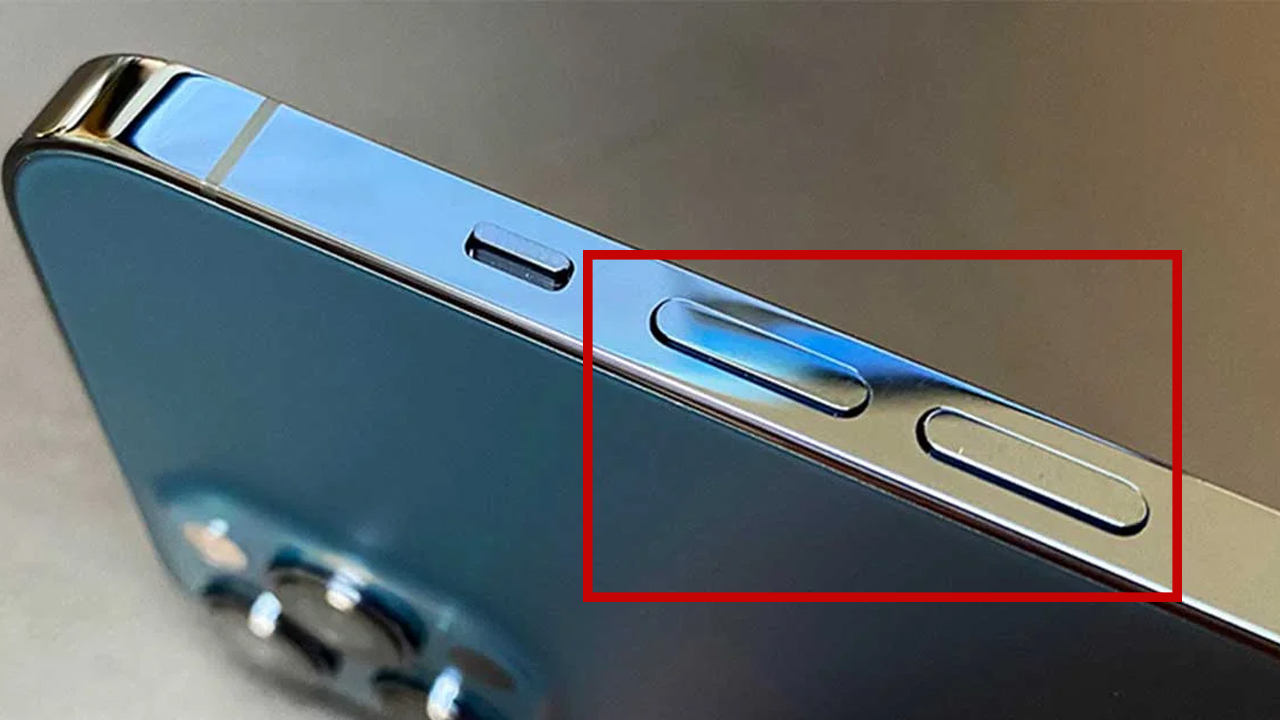
Most people use their phone’s side buttons for one simple purpose: adjusting the volume. Whether it’s turning down a loud video or increasing the ringtone, these buttons seem straightforward and limited in function.
But in reality, modern smartphones are designed with multi-functional side buttons that can perform a wide range of hidden tasks — many of which can make your daily life faster, easier, and even safer.
If you’ve only been using your side buttons for volume control, you’re seriously underutilizing your device. Here are six powerful hidden tricks your phone’s side buttons can perform.
1. Instantly Silence Incoming Calls
One of the most useful — yet overlooked — features is the ability to silence incoming calls instantly.
When your phone rings in a meeting, classroom, or quiet environment, you don’t have to scramble to decline the call. Simply press the volume button once, and your phone will stop ringing immediately without rejecting the call.
This allows you to:
- Avoid awkward interruptions
- Stay polite in public settings
- Decide later whether to return the call
It’s a small feature, but incredibly practical in everyday situations.
2. Use Side Buttons as a Camera Shutter
Taking photos with one hand can be tricky, especially when trying to tap the on-screen shutter button. That’s where the side buttons come in.
Most smartphones allow you to:
- Press the volume up or down button to take a photo
- Capture images more steadily
- Reduce camera shake
This is especially useful for:
- Selfies
- Low-light photography
- Quick moments you don’t want to miss
It essentially turns your phone into a more natural, camera-like device.
3. Stop Alarms and Timers Quickly
Ever struggled to find the “stop” button on your screen when your alarm is blaring in the morning?
With side buttons, you can:
- Silence alarms instantly
- Stop timers with a quick press
This feature is perfect for:
- Groggy mornings
- Situations where you need to act fast
- Avoiding unnecessary noise
It’s a simple shortcut that saves time and frustration.
4. Take Screenshots in Seconds
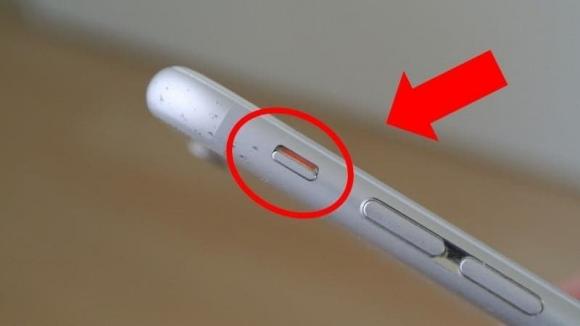
Capturing your screen is something most people do daily — whether it’s saving information, sharing conversations, or keeping important details.
By pressing a combination of:
- Power button + volume button
…you can take a screenshot instantly without navigating menus.
This method is:
- Faster than using gestures
- More reliable across apps
- Universal across most devices
Once you get used to it, it becomes second nature.
5. Activate Emergency SOS Features
Your phone’s side buttons can also play a crucial role in personal safety.
On many devices, pressing the side buttons multiple times (or holding a combination) can:
- Trigger an emergency SOS signal
- Call emergency services
- Share your location with trusted contacts
This feature can be life-saving in situations where:
- You can’t unlock your phone
- You need help quickly
- You’re in danger or distress
It’s one of the most important hidden functions that everyone should be aware of.
6. Customize Shortcuts and Accessibility Features
Depending on your phone model and settings, side buttons can be customized to perform additional tasks such as:
- Launching specific apps
- Activating voice assistants
- Turning on accessibility features
- Controlling media playback
This level of customization allows you to:
- Personalize your phone experience
- Save time on repetitive tasks
- Improve accessibility for different needs
Exploring your phone’s settings can unlock even more possibilities tailored to your usage.
Why These Features Matter
These hidden tricks are not just “cool” — they’re designed to improve:
- Efficiency
- Convenience
- Safety
Modern smartphones are built to anticipate user behavior and reduce friction. The more you understand these features, the more seamlessly you can interact with your device.
How to Get the Most Out of Your Side Buttons
To fully utilize these functions, take a few minutes to:
- Explore your phone’s settings
- Check “Accessibility” and “Shortcuts” sections
- Learn device-specific button combinations
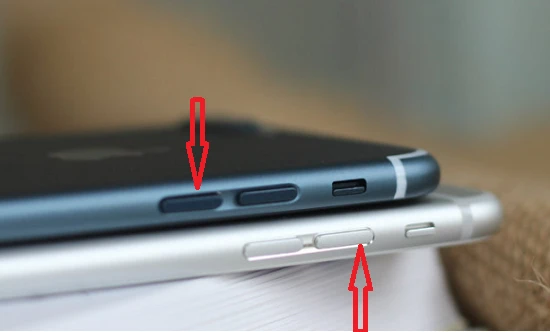
Every phone brand may implement these features slightly differently, but the core functions remain similar.
Final Thoughts
Your phone’s side buttons are far more powerful than they appear. What seems like a simple volume control is actually a multi-purpose tool designed to make your life easier and safer.
By learning and using these six hidden tricks, you can:
- Save time in daily tasks
- Handle situations more smoothly
- Unlock the full potential of your device
Sometimes, the most useful features are the ones hiding in plain sight.