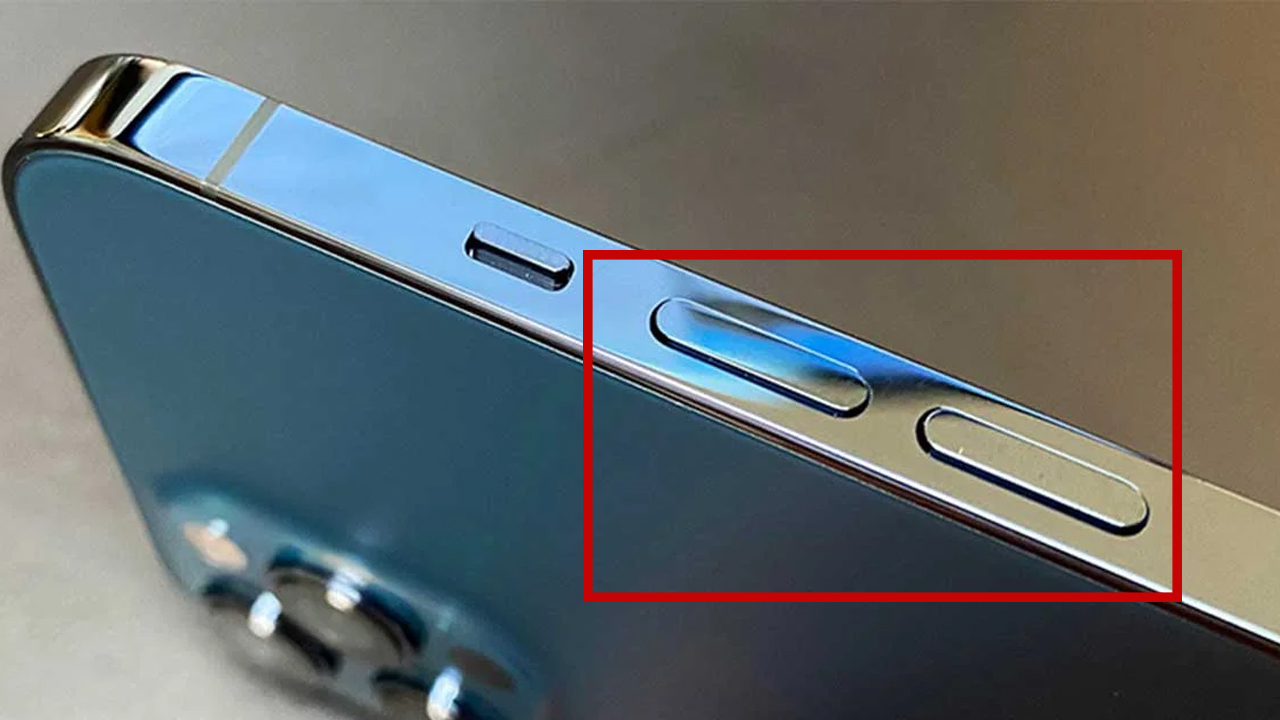
Most people think the volume buttons on a phone do exactly one thing: make sounds louder or quieter. That’s it. End of story.
But honestly? Those tiny buttons are doing way more than they get credit for.
If a phone were a squad, the volume buttons would be the quiet kid in the back who somehow saves everyone at the last minute.
Here are 6 underrated, low-key powerful things your phone’s volume buttons can do and once you know them, you’ll wonder how you
lived without them.
1. Take Photos Without Touching the Screen
This one already feels illegal for how useful it is.
On most smartphones, pressing either volume button works as a camera shutter. That means:
-
No more awkward finger stretches
-
No shaking the phone when tapping the screen
-
Way better selfies and group photos
It basically turns your phone into a mini digital camera.
Pro tip: this is a lifesaver when using a tripod or holding the phone with one hand.
Once you get used to it, tapping the on-screen shutter feels wrong.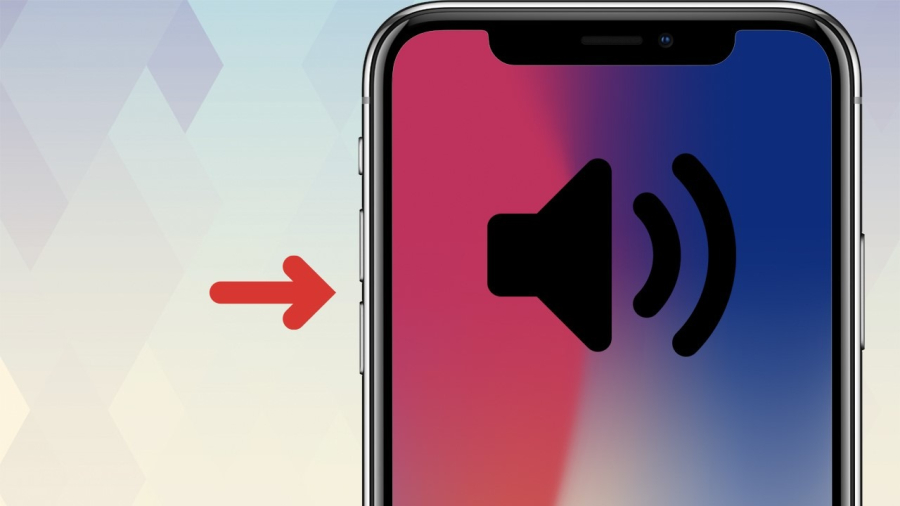
2. Start Recording Videos Instantly
Some phones let you press and hold a volume button to instantly start recording a video.
Why this matters:
-
You don’t miss spontaneous moments
-
No need to unlock → open camera → switch to video
-
Perfect for capturing “this just happened” situations
That random funny moment? The sudden sunset? Your cat doing something unhinged? Volume button. Done.
Speed matters, and this shortcut understands the assignment.
3. Control Music Without Looking at Your Screen
Ever had your phone in your pocket or bag while listening to music?
Volume buttons let you:
-
Adjust sound without pulling the phone out
-
Skip tracks (on some phones or with specific apps)
-
Pause or resume playback with button combos
This is especially clutch when:
-
Walking outside
-
Working out
-
Studying and trying not to break focus
Low effort, zero screen time, maximum convenience.
4. Silence Calls Instantly (Without Declining Them)
Incoming call at the worst possible moment?
Press any volume button once, and the phone will:
-
Silence the ringtone
-
Stop vibration
-
Keep the call ringing silently in the background
This is perfect when:
-
You’re in a meeting
-
You’re in class
-
You just… don’t want the whole room knowing who’s calling
No awkward fumbling. No panic. Just press and chill.
5. Use Volume Buttons as Accessibility Controls
For users who struggle with touch gestures, volume buttons can be game-changing.
Depending on settings, they can:
-
Scroll content
-
Control screen readers
-
Zoom in or out
-
Trigger assistive features
This makes phones way more inclusive and easier to use for people with limited mobility or vision challenges.
Small buttons, big impact.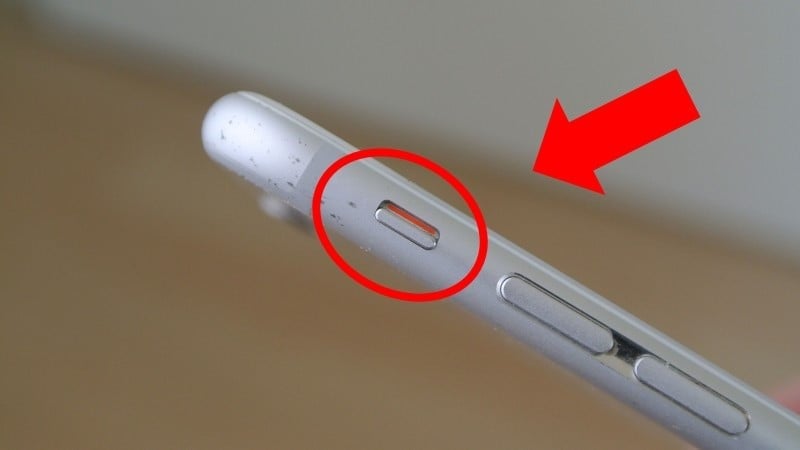
6. Trigger Emergency SOS
This one is serious and important.
On many smartphones, pressing the volume button together with the power button (or pressing volume multiple times) can:
-
Call emergency services
-
Send your live location to trusted contacts
-
Lock your phone automatically
It’s designed for moments when:
-
You can’t unlock your phone
-
You’re in danger
-
You need help fast
Most people never set this up - until they wish they had. Check your phone’s Emergency SOS settings now, not later.
Why These Tiny Buttons Matter More Than You Think
Volume buttons are:
-
Fast
-
Physical
-
Easy to reach
-
Reliable when the screen fails
They work when your hands are wet, when the screen freezes, or when you can’t look down. That’s powerful.
Phones keep getting smarter, but sometimes the simplest hardware ends up being the most useful.
Final Thought
Next time you reach for your phone, don’t sleep on the volume buttons.
They’re not just there for sound - they’re shortcuts, safety tools, camera triggers, and silent heroes.
Once you start using them properly, your phone instantly feels smarter… and so do you.