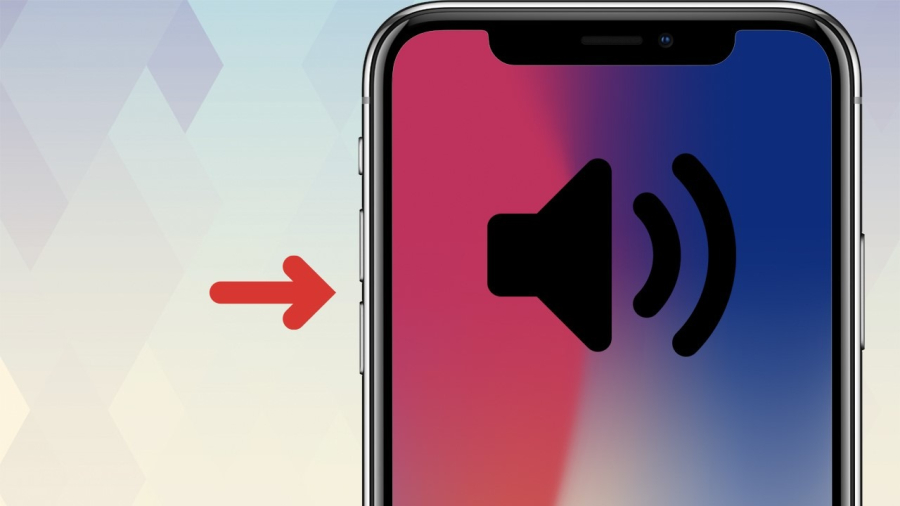
The volume button on your phone isn’t just for adjusting sound - it actually has six hidden and surprisingly powerful functions that many people have no idea exist. These small buttons on the side of your device can help you solve everyday problems faster, improve convenience, and even protect your safety in urgent situations.
Below are six underrated features of the volume buttons that every smartphone user should know.
1. Instant Camera Shortcut
Most modern phones allow you to open the camera instantly by pressing the volume button — even when the screen is locked.
-
On many Android phones, double-pressing the volume down button launches the camera.
-
On iPhones, you can open the camera from the lock screen and press either volume button to take a photo.
Why it’s useful:
You won’t miss spontaneous moments. No fumbling with your lock screen, no delays — just click and shoot.
2. Emergency SOS Function
Your volume buttons can literally save your life. Both iPhone and Android devices allow emergency calls through button combinations.
-
On iPhones: Press and hold power + volume to activate Emergency SOS.
-
On many Android models: Rapidly press the power button or volume combination to trigger emergency services.
Why it matters:
If you feel unsafe, are in an accident, or cannot unlock your phone quickly, this feature can contact emergency services or send your location to trusted contacts.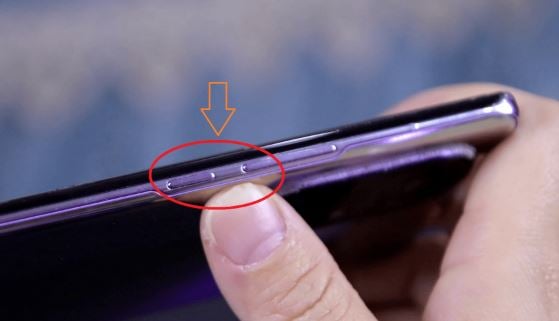
3. Quick Silence for Calls and Notifications
When your phone rings at the wrong time — during a meeting, class, or theater — pressing a volume button instantly silences the ringtone.
Why it matters:
No need to search for the mute setting or scramble through your bag. One press solves the problem quietly and discreetly.
4. Accessibility Shortcuts
For users who activate accessibility tools, the volume buttons can become shortcuts for many special functions:
-
Magnifier mode
-
Screen reader
-
Gesture shortcuts
-
Hearing assistance features
On some phones, pressing volume up + down together activates accessibility features instantly.
Why it’s powerful:
It makes smartphones easier to use for seniors, children, and anyone with visual or hearing challenges.
5. Controlling Apps Without Touching the Screen
Many apps allow you to use the volume buttons as physical controls, such as:
-
Music players: Skip tracks, play/pause.
-
Voice recorders: Start or stop recording without touching the screen.
-
Fitness apps: Mark laps or trigger timers while running.
-
Camera apps: Zoom in/out or adjust shooting modes.
Why it’s useful:
You can interact with apps even when your hands are sweaty, gloved, or occupied.
6. Taking Screenshots Easily
On both Android and iPhone, you can take a screenshot by pressing a button combination:
-
iPhone: Power + Volume Up
-
Android: Power + Volume Down
Why it's convenient:
It captures your screen in seconds — perfect for saving receipts, conversations, recipes, or important info.
Bonus: Hidden Tricks Most People Don’t Know
-
Adjust audio separately for media, alarms, and calls by pressing a volume button and tapping the gear icon (Android).
-
Hold volume buttons at startup to enter recovery mode (Android).
-
Use volume buttons to control your flashlight on certain Android devices with third-party apps.
-
Trigger shortcuts in gaming mode to enhance gameplay.
Final Thoughts
Your phone’s volume buttons are far more capable than most people realize. From personal safety to faster multitasking, these simple keys can transform how efficiently you use your device.
Learning these hidden functions can save you time, simplify daily tasks, and even help in emergencies. Next time you pick up your phone, remember: those two small buttons do a lot more than control sound.