Thunderstorms are among nature's most powerful displays, bringing heavy rain, strong winds, and lightning that can strike with incredible force. While the sight of lightning can be awe-inspiring, it also poses real risks—not only to people but also to homes and electronic devices.
Many homeowners assume that if their appliances are turned off, they are protected. Unfortunately, that's not always the case. A nearby lightning strike can create a powerful electrical surge that travels through power lines, telephone cables, cable television lines, or even internet connections. These surges can damage or destroy sensitive electronics in an instant.
The good news is that a few simple precautions can significantly reduce the risk of costly damage. One of the most effective is unplugging certain electronics before a thunderstorm arrives whenever it is safe to do so.
Let's explore why lightning can damage electronics, which household devices deserve special attention, and other practical steps to help protect your home.
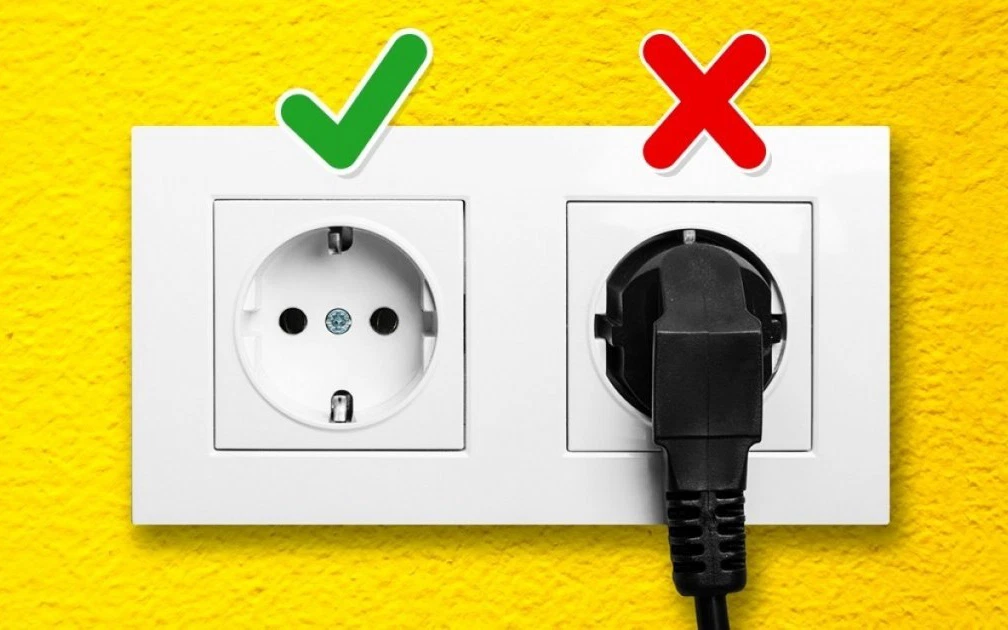
Why Is Lightning Dangerous for Electronics?
A single lightning bolt can carry millions of volts of electricity.
Even if lightning does not strike your home directly, it can hit:
-
Nearby power lines
-
Utility poles
-
Trees
-
Communication cables
-
The ground close to your home
These strikes can create electrical surges that travel through connected wiring.
Sensitive electronic components can be damaged within fractions of a second.
What Is a Power Surge?
A power surge is a sudden increase in electrical voltage flowing through your home's wiring.
Surges may result from:
-
Lightning
-
Utility company switching
-
Fallen power lines
-
Large electrical equipment turning on or off
Lightning-related surges are typically much stronger than everyday voltage fluctuations.
Is Turning Off an Appliance Enough?
No.
Turning a device off stops it from operating, but if it remains plugged into a wall outlet, it may still be connected to the electrical system.
For maximum protection, experts generally recommend unplugging electronics before a storm arrives, provided it is safe to do so.
Never unplug appliances during an active lightning storm if doing so puts you at risk.
1. Televisions
Modern televisions contain delicate electronic circuits that may be damaged by electrical surges.
This includes:
-
LED TVs
-
OLED TVs
-
Smart TVs
-
QLED TVs
If your television is connected to:
-
Power
-
Cable TV
-
Satellite
-
Internet
all of these connections may provide a path for surge damage.
Disconnecting both the power cord and external signal cables, if practical, offers greater protection.
2. Desktop Computers and Monitors
Computers often contain valuable information in addition to expensive hardware.
Lightning-related surges may damage:
-
Motherboards
-
Hard drives
-
Power supplies
-
Monitors
-
Networking equipment
Whenever possible:
-
Save your work.
-
Shut down the computer.
-
Unplug power and network cables before the storm arrives.
Regular data backups remain one of the best ways to protect important files.
3. Wi-Fi Routers and Modems
Internet equipment is particularly vulnerable because it may connect to:
-
Electrical outlets
-
Fiber equipment
-
Cable lines
-
Telephone lines
Lightning surges can travel through communication cables as well as power cords.
If severe weather is expected and internet access is not essential, unplugging the modem and router may reduce the risk of damage.
4. Gaming Consoles
Popular gaming systems often represent a significant investment.
Examples include:
-
PlayStation
-
Xbox
-
Nintendo Switch (when docked)
Power surges may damage:
-
Internal circuits
-
Storage devices
-
Power supplies
Disconnecting them during severe storms is a sensible precaution.
5. Laptop Chargers
The laptop itself may survive if running on battery power.
However, a charger plugged into the electrical outlet can still be exposed to power surges.
If practical:
-
Unplug the charger.
-
Continue using the laptop on battery power if conditions remain safe.
6. Kitchen Appliances With Electronic Controls
Modern kitchens often contain appliances with sophisticated electronic boards.
Examples include:
-
Microwave ovens
-
Coffee machines
-
Smart refrigerators
-
Air fryers
-
Countertop ovens
While large built-in appliances are not always practical to unplug, smaller countertop appliances can often be disconnected when storms are expected.
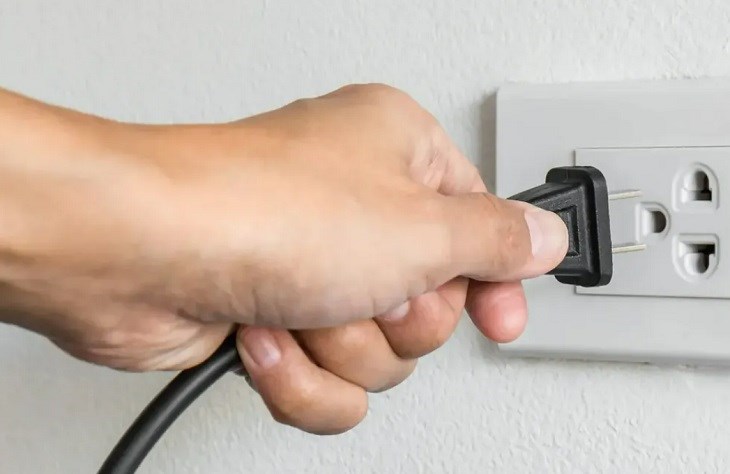
7. Home Entertainment Systems
Audio systems frequently include:
-
Receivers
-
Amplifiers
-
Speakers
-
Streaming devices
These components may connect to multiple cables, increasing potential pathways for surges.
Disconnecting power before a storm can help reduce the risk of damage.
8. Smart Home Devices
Many homes now include internet-connected devices such as:
-
Smart hubs
-
Smart speakers
-
Security cameras
-
Smart displays
These devices often remain connected around the clock.
If practical and safe, disconnecting valuable smart home equipment during severe storms may offer additional protection.
9. Printers and Office Equipment
Home office equipment often includes:
-
Printers
-
Scanners
-
External hard drives
-
Docking stations
External storage devices deserve particular attention because they may contain irreplaceable documents and photographs.
Regular backups are essential.
10. Chargers for Small Electronics
Chargers for:
-
Smartphones
-
Tablets
-
Smartwatches
-
Wireless earbuds
may also be unplugged when not in use during a thunderstorm.
Although replacing a charger is generally less expensive than replacing major electronics, disconnecting unnecessary devices can still help reduce risk.
What About Large Appliances?
Many people wonder whether they should unplug:
-
Refrigerators
-
Washing machines
-
Dryers
-
Dishwashers
In most situations, these appliances are left plugged in because unplugging them may be difficult or impractical.
However, whole-home surge protection and properly installed surge protectors can provide additional protection.
Do Surge Protectors Help?
Yes—but with limitations.
Quality surge protectors may help protect electronics from many common electrical surges.
However, no plug-in surge protector can guarantee complete protection against a direct lightning strike.
For greater protection, some homeowners install whole-house surge protection systems, which are installed at the electrical service panel by a qualified electrician.
Should You Use Electronics During a Thunderstorm?
Public safety organizations advise avoiding certain activities during thunderstorms.
For example, avoid:
-
Using corded telephones
-
Handling electrical appliances connected to outlets
-
Taking showers or baths during nearby lightning because plumbing can conduct electricity
-
Touching wired electrical equipment
Using battery-powered devices that are not connected to charging cables is generally considered safer.
How to Know When You're at Risk
A useful safety guideline is:
If you can hear thunder, you are close enough to be struck by lightning.
Even storms that appear distant can produce dangerous lightning.
Move indoors as soon as thunder is heard.
The 30–30 Lightning Safety Rule
A commonly recommended guideline is the 30–30 rule:
-
If the time between seeing lightning and hearing thunder is 30 seconds or less, seek shelter immediately.
-
Wait at least 30 minutes after the last thunder before resuming outdoor activities.
Although newer weather apps and lightning detection systems provide additional information, this rule remains a helpful general guideline.
Other Ways to Protect Your Home
In addition to unplugging electronics, consider:
-
Installing whole-house surge protection.
-
Using quality surge protectors.
-
Maintaining proper grounding of your electrical system.
-
Trimming trees near power lines (performed by qualified professionals when necessary).
-
Keeping emergency flashlights with fresh batteries.
-
Having backup power solutions if appropriate.
What Should You Do During a Thunderstorm?
Stay indoors whenever possible.
Avoid:
-
Open fields
-
Hilltops
-
Metal fences
-
Isolated trees
-
Swimming pools
-
Lakes
-
Rivers
Inside your home:
-
Stay away from windows.
-
Avoid touching metal plumbing.
-
Avoid using corded electrical devices.
-
Monitor weather updates using battery-powered or mobile devices when possible.
After the Storm
Once the storm has completely passed:
-
Inspect electronics for obvious damage.
-
Restore power connections carefully.
-
Check your internet equipment.
-
Test important appliances.
-
Contact your utility company if you notice damaged electrical lines outside.
Never approach fallen power lines.
Always assume they are energized.
Common Myths About Lightning
Myth 1: Turning Off Electronics Is the Same as Unplugging Them
False.
A device that remains plugged into the wall can still be affected by electrical surges.
Myth 2: Lightning Never Strikes the Same Place Twice
False.
Tall structures such as skyscrapers, communication towers, and trees may be struck repeatedly.
Myth 3: Small Electronics Can't Be Damaged
Any electronic device connected to electrical wiring may be vulnerable to power surges.
Myth 4: Surge Protectors Make Electronics Completely Lightning-Proof
No surge protector offers absolute protection against every lightning event, particularly a direct strike.
When Is It Safe to Unplug Electronics?
The safest approach is to unplug valuable electronics before severe weather arrives.
If lightning has already begun nearby, prioritize your personal safety.
Do not rush around unplugging devices during an active storm if doing so increases your risk.
Protecting yourself is always more important than protecting equipment.
The Bottom Line
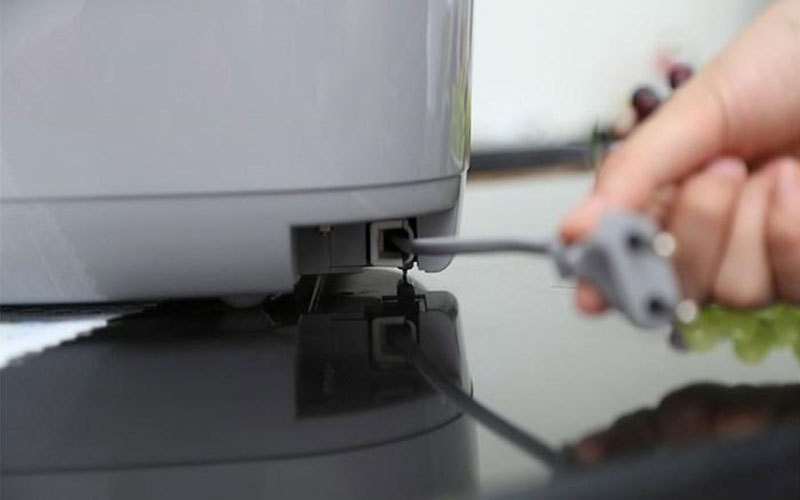
Lightning can generate powerful electrical surges capable of damaging valuable household electronics, even without a direct strike on your home. Devices such as televisions, desktop computers, routers, gaming consoles, laptop chargers, countertop kitchen appliances, entertainment systems, smart home equipment, office electronics, and charging accessories are among those that may benefit from being unplugged before a thunderstorm arrives.
Unplugging electronics, using quality surge protectors, and considering whole-house surge protection are practical ways to help reduce the risk of damage.
Final Thoughts
Thunderstorms are a natural part of life in many regions, but a little preparation can go a long way. Watching the weather forecast, unplugging valuable electronics before storms arrive, and following basic lightning safety recommendations can help protect both your home and your family.
Most importantly, remember that your safety always comes first. Electronics can often be repaired or replaced - but no device is worth risking your life during an active thunderstorm. If lightning is already nearby, stay indoors, avoid wired electrical equipment and plumbing, and wait until the storm has completely passed before reconnecting your devices. By combining smart preparation with safe habits, you can greatly reduce the risks that thunderstorms pose to both your home and your loved ones.