The Surprising Functions Behind Your Phone’s Volume Buttons
Most people think the volume buttons on their phones only serve one simple purpose: adjusting sound. But in reality, these small buttons are far more powerful than they seem.
Modern smartphones—both Android and iPhone—have turned volume buttons into multi-functional tools that can make everyday tasks faster, easier, and more convenient.
More Than Just Volume Control
Of course, the primary role of volume buttons is to control sound—whether it’s calls, music, notifications, or alarms.
But depending on how and when you use them, these buttons can do much more.
1. Instantly Take Photos
One of the most useful hidden features is using the volume button as a camera shutter.
Simply open your camera app and press the volume up or down button to take a photo. This is especially helpful for:
- Selfies
- Group shots
- Avoiding blurry images
Many users find this more stable than tapping the screen.
2. Quick Access to the Camera
On some smartphones, you can launch the camera instantly by double-pressing a volume button—even when the phone is locked.
This feature allows you to capture important moments in seconds without unlocking your device.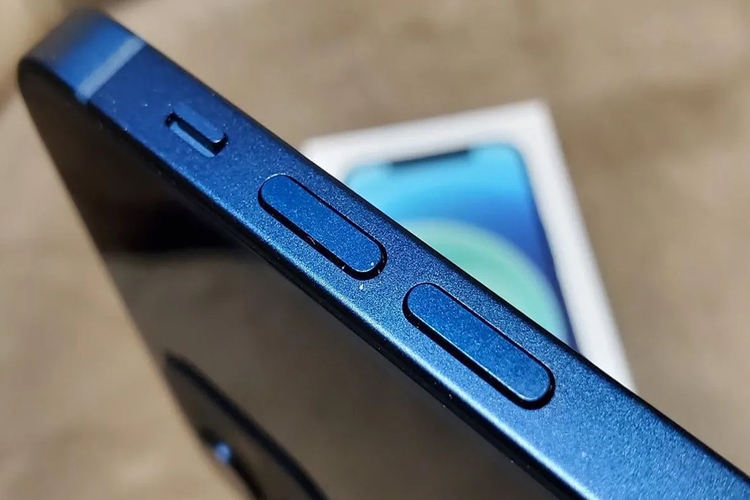
3. Take Screenshots Easily
Volume buttons also play a key role in taking screenshots.
By pressing the volume down + power button, you can quickly capture anything on your screen—without needing to search through menus.
4. Control Music Without Unlocking Your Phone
Some devices allow you to long-press the volume buttons to:
- Skip songs
- Pause or play media
This means you can control your music without even turning on your screen.
5. Activate Hidden Shortcuts and Features
With customization or accessibility settings, volume buttons can be programmed to:
- Launch apps
- Turn on accessibility tools
- Trigger shortcuts
These features can significantly improve productivity and convenience.
6. A Tool for Faster, Smarter Use
Because volume buttons are physical and easy to reach, they allow quick actions without navigating menus. This makes them one of the most underrated tools on your phone.
Experts say learning to use these hidden features can save time and make your smartphone experience much smoother.
The Bottom Line
Your phone’s volume buttons are more than just sound controls—they’re powerful shortcuts hiding in plain sight.
Once you start using them fully, you may never go back to tapping your screen for everything.