Your Phone’s Volume Buttons Can Do More Than You Think: 6 Hidden Tricks Many People Don’t Know
Most smartphone users think the volume buttons on their phone are only used to increase or decrease sound. However, these small buttons actually have several hidden functions that can make using your phone faster and more convenient.
Here are six useful tricks that many people may not realize their phone can do.
1. Instantly Silence Incoming Calls
When your phone rings during a meeting, class, or a quiet moment, it can be embarrassing. Instead of rejecting the call, simply press the volume-down button to silence the ringtone immediately.
The call will continue ringing silently, allowing you to decide later whether to answer or ignore it. This trick can also mute alarms and notifications quickly.
2. Turn Off the Flashlight Quickly
The flashlight feature is extremely useful, especially at night or in dark environments. Normally, turning it off requires unlocking the phone and opening the control panel.
However, on some devices you can press the volume-down button twice to turn off the flashlight instantly without unlocking the screen. This feature may vary depending on the phone model.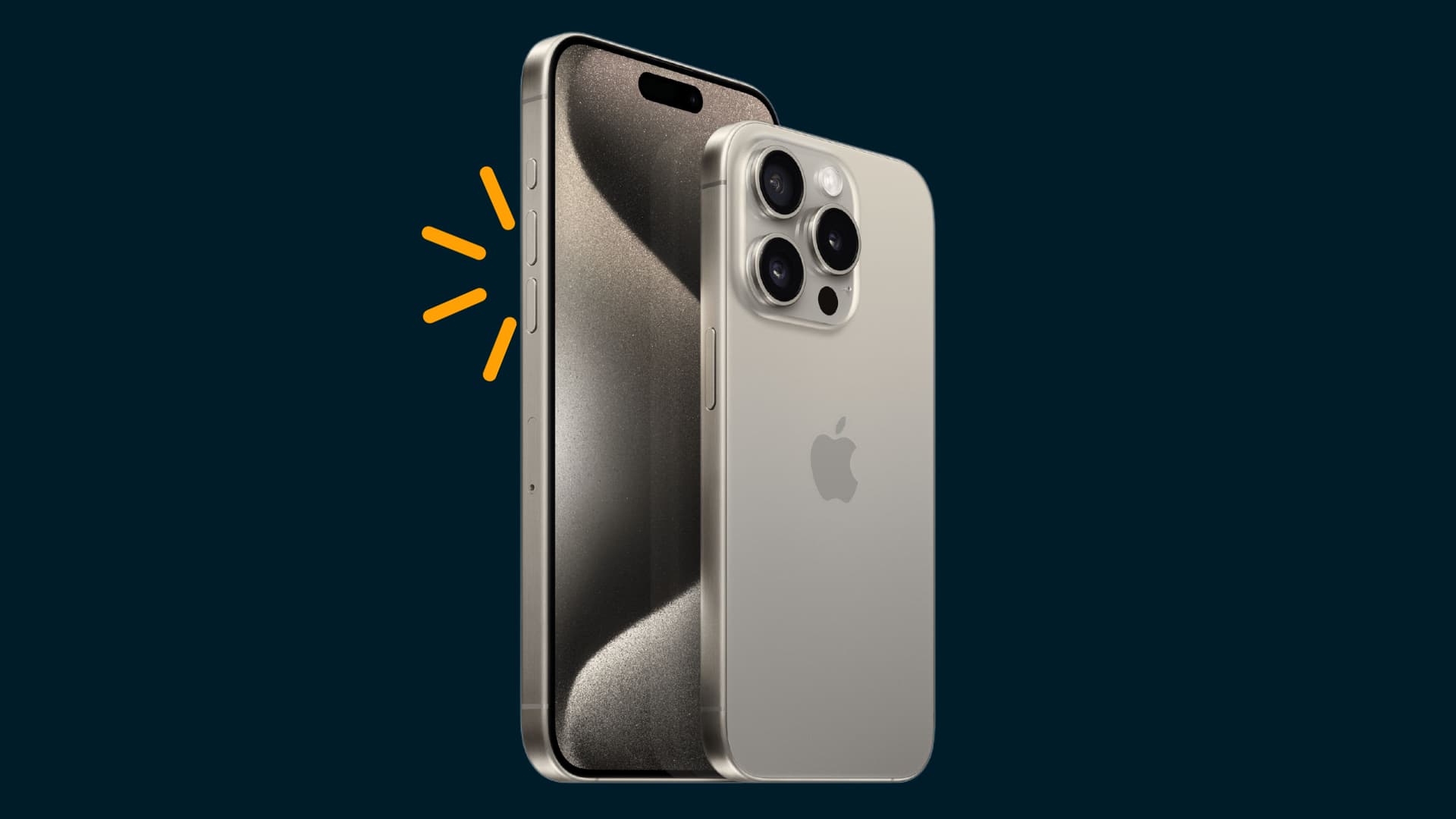
3. Adjust Volume Without Opening Settings
Of course, the most common function is still adjusting sound levels. Instead of navigating through your phone’s settings, you can simply press the volume up or volume down button to quickly control ringtone, media, or notification volume.
This allows users to adjust sound levels instantly while watching videos, listening to music, or receiving calls.
4. Use the Volume Button as a Camera Shutter
Many smartphones allow the volume buttons to act as a camera shutter. When the camera app is open, pressing either volume button can take a photo or start recording video.
This can help stabilize the phone and reduce blurry photos caused by tapping the screen.
5. Take Screenshots Faster
Another useful shortcut involves taking screenshots. On most smartphones, you can press the power button and the volume-down button at the same time to capture the screen instantly.
This method makes it easy to save messages, images, or information without navigating through menus.
6. Turn Pages While Reading E-Books
If you enjoy reading e-books on your phone, the volume buttons can sometimes be used to turn pages without touching the screen.
Many reading apps support this feature, making it easier to read comfortably with one hand.
Small Buttons With Big Uses
Although they seem simple, the volume buttons on smartphones can perform many helpful tasks. Once you learn these shortcuts, everyday actions—such as taking photos, muting calls, or capturing screenshots—can become much faster and easier.