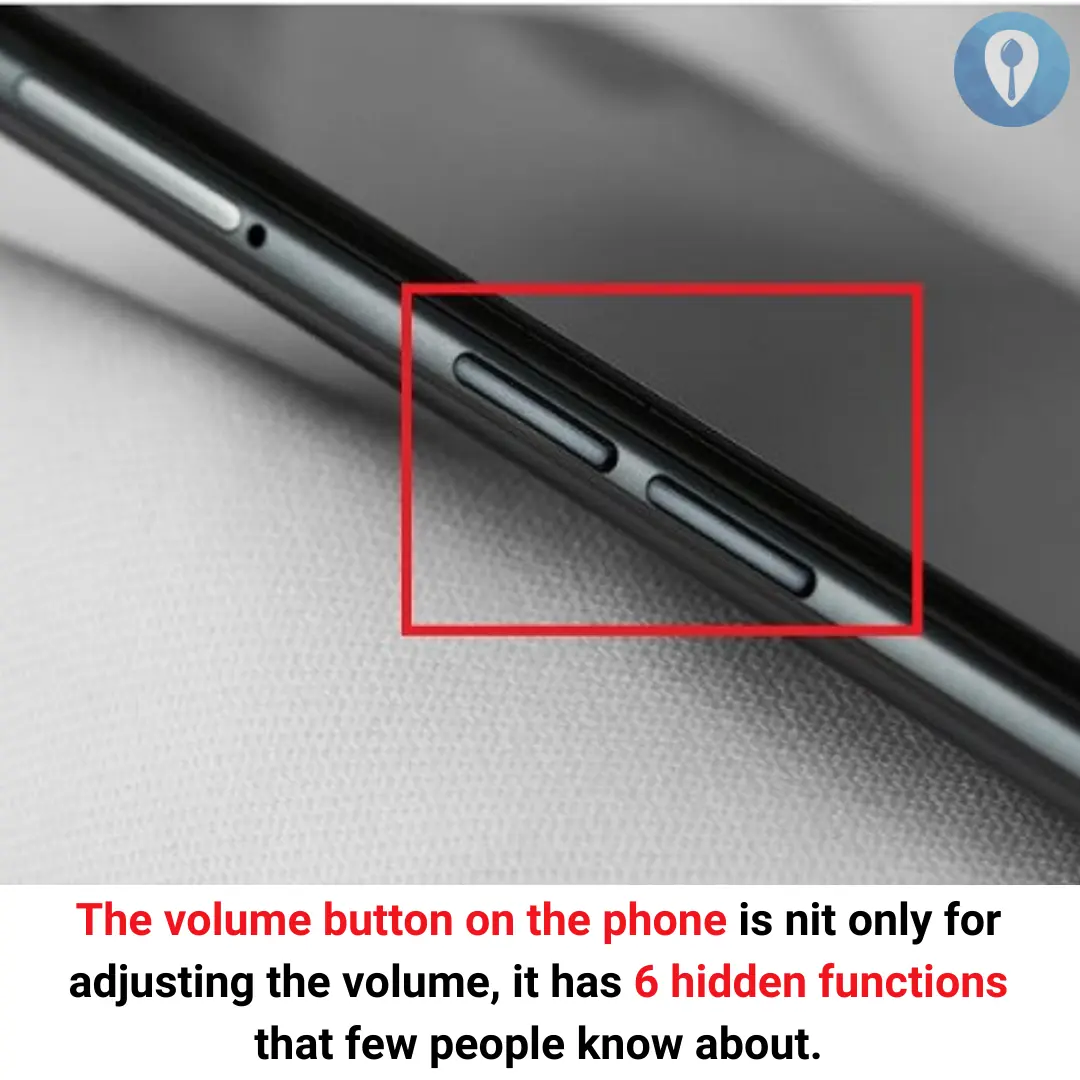
6 Hidden Functions of the Volume Button on Your Phone – More Than Just Sound Control!
Most people think the volume buttons on their phone are only for adjusting sound levels, but did you know they have several hidden functions? These small buttons can perform quick actions, improve accessibility, and even save your life in emergencies.
Here are 6 useful tricks your volume buttons can do!
1. Quick Camera Shortcut 📸
Did you know you can use the volume button to take photos?
📌 How It Works:
✔️ Open the camera app and press the volume up or down button to snap a photo.
✔️ On some phones, holding the volume button can start a video recording.
✔️ Works even with Bluetooth headphones that have volume buttons!
👉 Tip: This trick is great for taking selfies or steady shots without tapping the screen.
2. Emergency SOS Feature 🚨
The volume buttons can help you call for emergency help if you're in danger.
📌 How It Works:
✔️ On iPhones: Press and hold the power + volume button to trigger Emergency SOS.
✔️ On Android: Press the power button + volume up/down multiple times to call emergency services.
✔️ You can also set up automatic location sharing with emergency contacts.
👉 Tip: Set up Emergency SOS in your phone settings for instant access when needed.
3. Skip Songs or Control Music 🎵
Want to control your music without unlocking the phone? The volume buttons can do that!
📌 How It Works:
✔️ Press and hold the volume up button to skip to the next song.
✔️ Press and hold the volume down button to go back to the previous track.
✔️ Works on Spotify, YouTube Music, Apple Music, and more!
👉 Tip: This feature is enabled on most Android devices and can be activated using apps like Button Mapper.
4. Turn on Flashlight Instantly 🔦
You can activate your flashlight with the volume button instead of unlocking your phone.
📌 How It Works:
✔️ On some Android phones, double-pressing the volume button turns on the flashlight.
✔️ You can enable this function using third-party apps like Torchie or Shake Flashlight.
👉 Tip: This is useful for quick access to light in dark places.
5. Silence Incoming Calls Quickly 🤫
No need to fumble for the decline button when your phone rings in an inconvenient moment!
📌 How It Works:
✔️ Press any volume button to instantly mute an incoming call.
✔️ On some phones, pressing both volume buttons together can decline the call.
👉 Tip: Works great when you’re in meetings, class, or a quiet place.
6. Prevent Accidental Volume Changes 🔒
Ever accidentally change your phone’s volume when it’s in your pocket? You can lock the volume buttons!
📌 How It Works:
✔️ Go to Settings → Sound & Vibration.
✔️ Turn on "Disable volume buttons when locked".
✔️ This prevents unwanted volume changes when the screen is off.
👉 Tip: This is especially useful for preventing media from playing too loudly in public.
Final Thoughts: More Than Just Sound Control!
Your volume buttons are small but incredibly useful! They can take photos, call for help, control music, and even turn on your flashlight instantly.
💡 What Should You Do?
✔️ Try these tricks and see which ones work on your phone.
✔️ Customize volume button functions using third-party apps like Button Mapper.
✔️ Share these hidden features with friends and family so they can use their phone more efficiently!
📢 Did you already know about these volume button tricks? Let us know your favorite one! 🎛️🔊