Some Android manufacturers also provide customization options that allow users to assign additional functions to physical buttons through built-in settings or supported applications.
Why does this matter?
Imagine walking outside while carrying shopping bags. You receive a notification that your music is too loud, but reaching for the screen is inconvenient.
A quick press of the Volume Down button solves the problem.
Similarly, when holding your phone in landscape orientation, the physical buttons may be easier to reach than certain on-screen controls.
The key is to understand which shortcuts your device supports and use them where they genuinely improve convenience.
8. Protect Your Phone's Volume Buttons From Unnecessary Wear
Although physical buttons are designed for regular use, they can eventually become less responsive if they are exposed to dirt, moisture, or physical damage.
Because volume buttons are used so frequently, keeping them in good condition is worth considering.
Keep the area around the buttons clean
Dust, pocket lint, and small particles can accumulate around the edges of physical buttons.
Over time, this buildup may make the buttons feel stiff or difficult to press.
You can gently clean the exterior of your phone using a soft, dry microfiber cloth.
Avoid pouring liquids directly onto the buttons or inserting sharp objects into the gaps. If the buttons become stuck, professional cleaning or repair may be necessary.
Avoid pressing them too forcefully
There is usually no benefit to pressing a volume button harder than necessary.
A normal, controlled press is enough to activate the function.
Repeatedly forcing a stuck button can potentially make the problem worse.
If a button stops responding consistently, check whether your phone case is interfering with it. Some poorly fitted cases can make physical buttons difficult to operate.
Consider alternative controls
If your volume buttons become damaged, many smartphones still provide ways to adjust sound through the touchscreen.
You may be able to use the volume slider in the quick settings panel, Control Center, or individual application settings.
This can help you continue using your device while arranging a repair.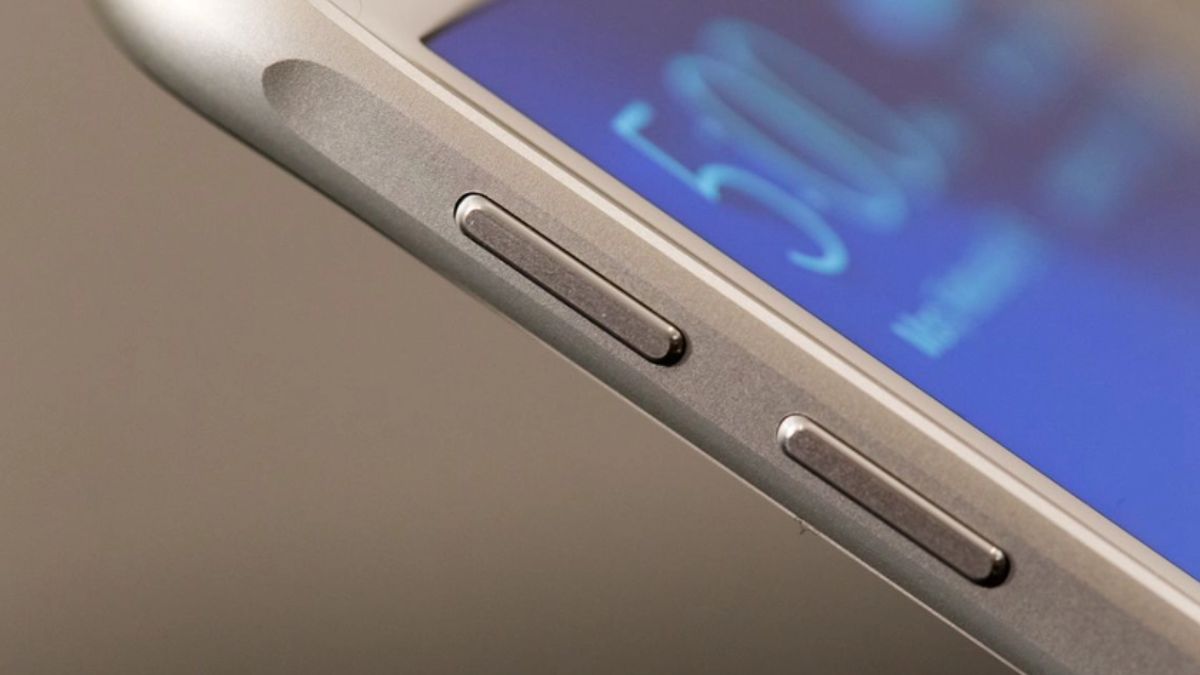
9. Check Which Shortcuts Your Specific Phone Supports
One important thing to remember is that smartphone shortcuts are not universal.
A function available on one Android model may not exist on another. Even phones from the same manufacturer can have different controls depending on their software versions.
Instead of trying random button combinations, spend a few minutes exploring your device's settings.
On Android, useful sections to investigate include Camera, Accessibility, Gestures, and System settings.
On iPhone, check Camera settings, Accessibility, and Emergency SOS.
You can also consult the official support instructions for your exact model.
This is particularly important when learning emergency shortcuts because certain combinations may contact emergency services if the feature is enabled.
Understanding your phone before you need a shortcut is always better than trying to figure it out during an urgent situation.
Ultimately, the most useful smartphone tricks are not necessarily the most complicated ones. Sometimes, a simple physical button can save time, make everyday tasks easier, and help you use your device more confidently.
Final Thoughts: Those Small Buttons May Be More Useful Than You Realize
Most smartphone users spend years pressing the volume buttons without exploring everything they can do.
They adjust music, lower notification sounds, and increase the volume during phone calls.
But these buttons can also play a role in photography, screenshots, accessibility, troubleshooting, and emergency assistance.
The six tricks covered in this article demonstrate that physical controls remain an important part of modern smartphone design.
Some shortcuts can save time when capturing photographs. Others make it easier to preserve important information or regain control of a frozen device.
Perhaps the most important lesson is that knowing your phone's emergency features can help you prepare for situations in which every second matters.
Of course, not every function is available on every device. Some require specific settings, and others depend on the smartphone manufacturer or operating system.
The best approach is to explore your own phone carefully and learn which shortcuts it supports.
You might discover that a feature you have needed for months was already available through a button you press every single day.
So, the next time you reach for your phone's volume buttons, remember: they may be capable of much more than simply turning the sound up or down.