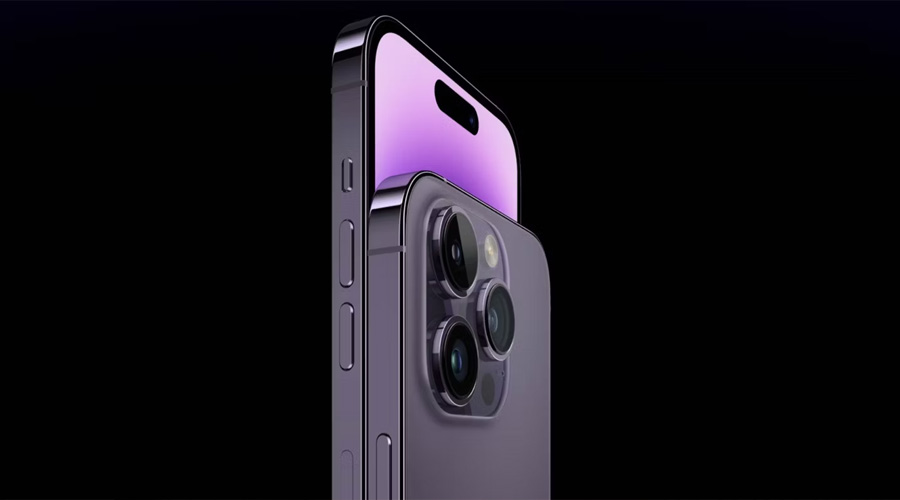
Most people use their phone's volume buttons for one simple purpose: turning the sound up or down. But whether you own an Android phone or an iPhone, those small buttons can do much more than adjust the speaker volume.
Manufacturers have added a variety of shortcuts that make everyday tasks quicker, easier, and more convenient. From taking better photos to activating emergency features, your phone's volume buttons can become powerful productivity tools once you know how to use them.
Here are 6 surprisingly useful tricks you may not have realized your phone's volume buttons can perform.
1. Use the Volume Buttons as a Camera Shutter
One of the most useful hidden features is using the volume buttons to take photos.
Instead of tapping the on-screen shutter button, simply press either the Volume Up or Volume Down button while the Camera app is open.
This can make photography much easier when:
-
Taking selfies
-
Capturing group photos
-
Shooting with one hand
-
Using a selfie stick
-
Taking landscape photos
-
Avoiding camera shake
Because you're pressing a physical button instead of tapping the screen, your photos may come out sharper with less motion blur.
Many camera apps also allow the volume buttons to start or stop video recording.
2. Quickly Silence Incoming Calls
We've all experienced moments when the phone rings at the worst possible time—during a meeting, in a classroom, or while watching a movie.
Instead of scrambling to decline the call or unlock your phone, simply press either volume button once.
On most smartphones, this will:
-
Silence the ringtone
-
Stop vibration (depending on settings)
-
Leave the caller ringing without rejecting the call
This allows you to avoid interrupting others while still deciding whether to answer later.
3. Control Music and Videos More Easily
The volume buttons aren't just for making audio louder or quieter.
Combined with your headphones or certain accessibility settings, they can make media playback much more convenient.
Depending on your device and accessories, the buttons may help you:
-
Adjust music volume
-
Lower video volume instantly
-
Control podcast listening
-
Manage audiobook playback
-
Fine-tune call volume
Some Bluetooth headphones and wired headsets even allow long presses or multiple button presses to skip songs or replay tracks.
4. Trigger Emergency Features
Many modern smartphones include built-in emergency functions that rely on the side buttons, including the volume buttons.
Depending on your device, pressing a combination of the Side/Power button and one or both volume buttons may allow you to:
-
Display emergency contacts
-
Call emergency services
-
Share your location with trusted contacts
-
Access your Medical ID information
-
Trigger an SOS feature
The exact button combination varies by phone model and operating system, so it's worth checking your device's Safety or Emergency settings.
Knowing how these features work before an emergency happens could save valuable time.

5. Take Better Screenshots
Although screenshot methods vary by device, many Android phones and iPhones use the volume buttons as part of the shortcut.
Typically, you can capture a screenshot by pressing:
-
Power + Volume Down (most Android phones)
-
Side Button + Volume Up (many newer iPhones)
Learning this shortcut is much faster than searching through menus whenever you want to save:
-
Recipes
-
Directions
-
Messages
-
Photos
-
Important documents
-
Shopping lists
It's one of the most frequently used phone shortcuts once you get used to it.
6. Use Them During Accessibility Features
Volume buttons also play an important role in several accessibility tools designed to make smartphones easier to use.
Depending on your phone and settings, they may help activate or control features such as:
-
Screen readers
-
Magnification
-
Hearing assistance
-
Voice control
-
Live captions
-
Accessibility shortcuts
Many devices even allow users to assign custom accessibility actions to button combinations, making important tools easier to access without navigating through multiple menus.
Bonus Tips You Might Not Know
Your phone's volume buttons may have even more functions depending on the manufacturer.
Some devices allow them to:
-
Wake the screen
-
Control the flashlight through third-party apps
-
Zoom while using the camera
-
Change focus during photography
-
Dismiss alarms
-
Snooze timers
-
Adjust separate media, ringtone, and notification volumes
Certain apps can also customize how the buttons behave, adding extra shortcuts or automation features.
Keep in Mind That Features May Vary
Not every smartphone behaves exactly the same.
Features can differ based on:
-
Android vs. iPhone
-
Phone manufacturer
-
Operating system version
-
Installed apps
-
Accessibility settings
If a particular shortcut doesn't work, check your phone's Settings menu or Camera app options, as many functions can be enabled or customized there.
Why Learning These Shortcuts Matters
Small shortcuts may seem insignificant at first, but over time they can save countless taps and make using your phone more efficient.
By mastering your volume buttons, you can:
-
Take photos more comfortably
-
Respond faster in emergencies
-
Capture screenshots quickly
-
Silence calls discreetly
-
Improve accessibility
-
Enjoy a smoother everyday smartphone experience
Sometimes the most useful features are the ones hiding in plain sight.
The Bottom Line
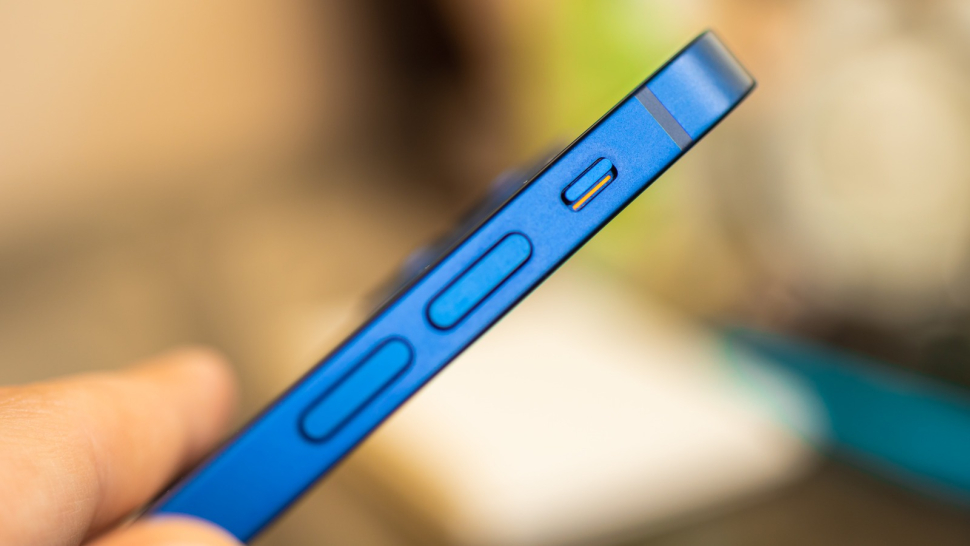
Your phone's volume buttons are capable of much more than simply making music louder or quieter. From acting as a camera shutter and silencing incoming calls to helping you take screenshots and access emergency features, these small buttons offer convenient shortcuts that many users overlook.
Take a few minutes to explore your phone's settings and experiment with these features. You may discover that the buttons you've been using every day are among the most versatile tools on your smartphone—making everyday tasks faster, easier, and more efficient.