Green or Orange Dot on Your Phone? Experts Warn It Could Be a Privacy Alert
In recent years, many smartphone users have noticed small green or orange dots appearing in the corner of their phone screens. While some people ignore them, cybersecurity experts warn that these indicators are actually important privacy alerts—and in some cases, they may signal that your phone is being accessed without your full awareness.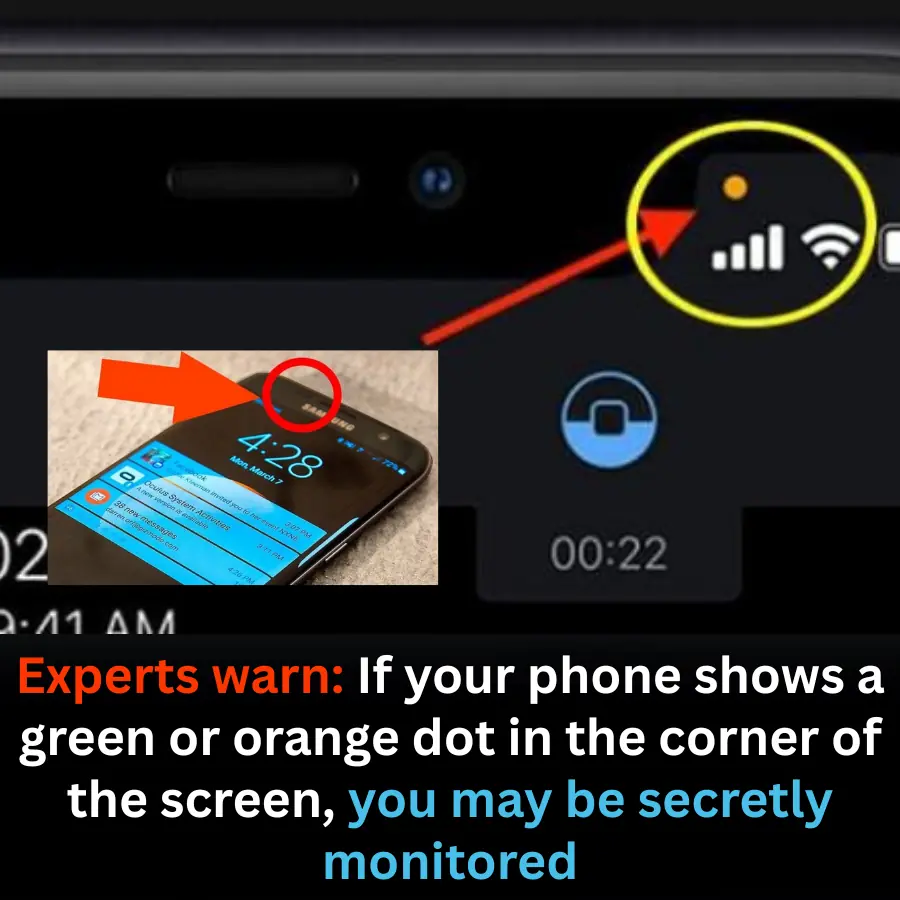
What Do the Green and Orange Dots Mean?
On most modern smartphones (especially iPhones and newer Android devices):
-
Green dot: Indicates that the camera and/or microphone is currently being used by an app.
-
Orange dot: Indicates that the microphone is active.
These dots usually appear at the top corner of the screen when an app is accessing sensitive hardware.
When Should You Be Concerned?
The dots are normal if you are actively using apps like:
-
Camera
-
Video calls
-
Voice recording
-
Social media stories
However, experts advise caution if:
-
The dot appears when you are not using any camera or microphone app
-
It stays on for an unusually long time
-
It shows up repeatedly in the background
In such cases, there is a risk that an app may be recording audio or video without clear consent.
Could This Mean You’re Being Tracked?
While the dots do not automatically mean you are being “spied on,” they can indicate:
-
Apps abusing permissions
-
Malware or spyware activity
-
Poorly designed apps running in the background
Cybersecurity specialists stress that unauthorized access to the camera or microphone is one of the most serious privacy threats on smartphones.
How to Protect Yourself
Experts recommend the following steps:
-
Check app permissions and revoke camera/microphone access from unnecessary apps.
-
Delete suspicious or unused apps, especially those from unknown sources.
-
Update your operating system regularly to patch security vulnerabilities.
-
Use built-in privacy dashboards to see which apps accessed your camera or microphone.
-
Avoid clicking unknown links or installing unofficial software.
Conclusion
The green and orange dots are not meant to scare users—they are designed to protect you. Paying attention to them can help you detect privacy risks early and take action before serious data breaches occur. In the digital age, awareness is your first line of defense.