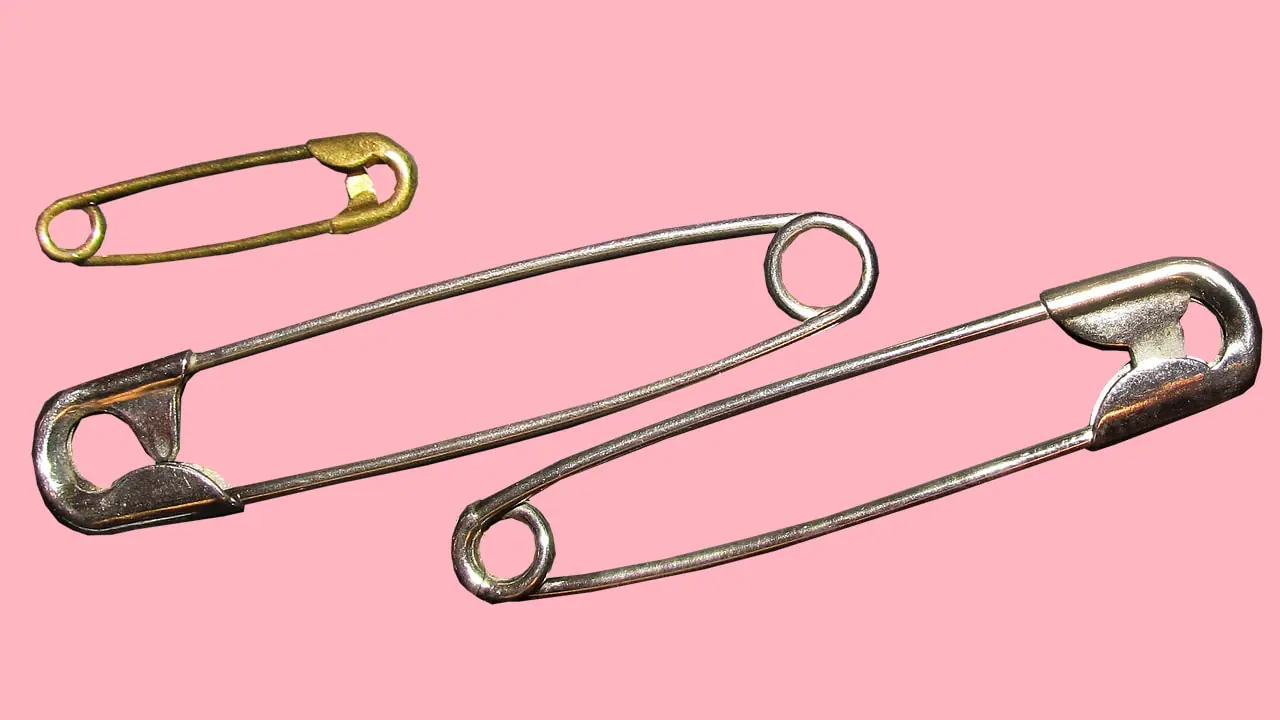
Ever Noticed the Round Hole in a Safety Pin? Here’s What It’s Really For
The Secret Function of the Tiny Hole in a Safety Pin You Never Knew
Facts 18/03/2026 09:37
In today’s digital world, many people spend hours each day using smartphones, computers, tablets, and televisions. Whether for work, education, or entertainment, screen time has become an unavoidable part of modern life. While these devices bring convenience and connectivity, they also emit blue light, a type of high-energy visible light that may affect eye comfort and sleep patterns.
Blue light is naturally present in sunlight and plays an important role in regulating the body’s sleep-wake cycle. However, prolonged exposure to artificial blue light from screens—especially during long periods of device use—can sometimes lead to symptoms such as eye strain, dryness, and fatigue.
Fortunately, there are several simple habits that can help protect your eyes and maintain visual comfort while using digital devices.
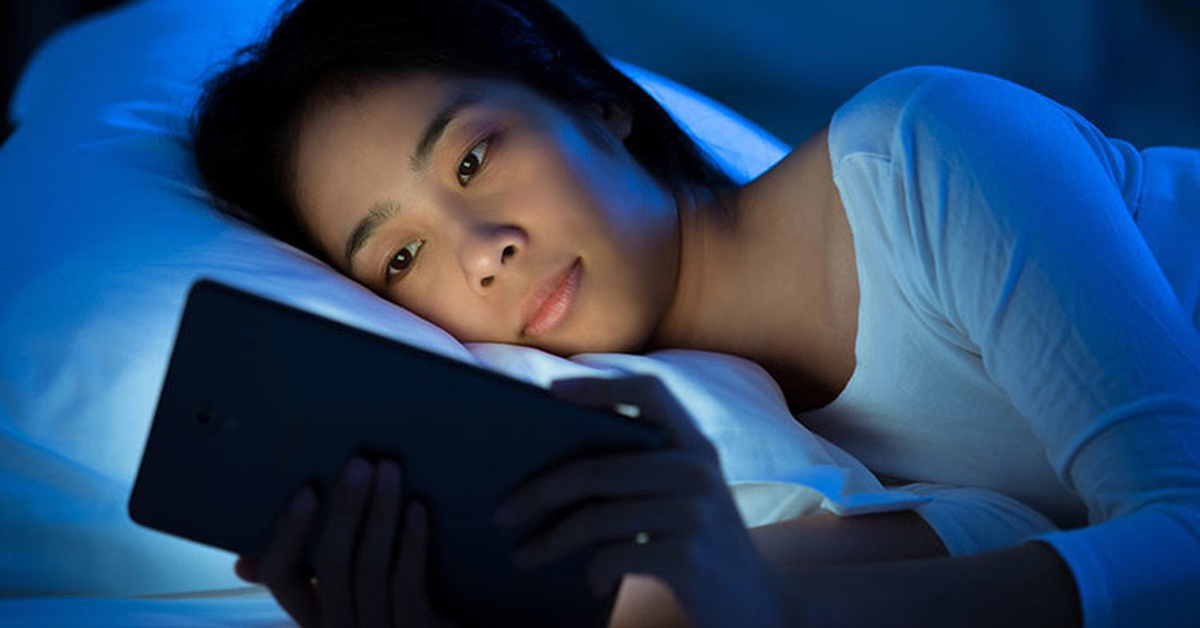
Blue light is part of the visible light spectrum, with shorter wavelengths and higher energy than many other colors of visible light. It is naturally emitted by the sun, but digital devices such as smartphones, laptops, and LED screens also produce it.
While the amount of blue light from screens is much lower than sunlight, prolonged exposure at close distances may contribute to digital eye strain, especially when combined with extended screen use.
Understanding how blue light interacts with the eyes can help people adopt healthier screen habits.
One of the most effective strategies for reducing eye strain is the 20-20-20 rule.
This rule suggests that every 20 minutes, you should:
Look at something 20 feet away
For at least 20 seconds
This simple exercise allows the eye muscles to relax and helps reduce fatigue caused by focusing on a screen for long periods.
Many eye care professionals recommend using reminders or alarms to practice this habit consistently.
Screen brightness that is too high or too low can cause eye discomfort. Adjusting the brightness of your device so that it matches the surrounding lighting can help reduce strain.
Increasing text size and improving contrast settings may also make reading easier and reduce the need to squint or strain the eyes.
Most modern devices offer display settings that allow users to customize brightness and contrast levels for comfort.
Many smartphones, computers, and tablets now include blue light filter features, often called night mode or night shift. These settings reduce the amount of blue light emitted by the screen by adjusting the display’s color temperature.
When activated, the screen appears slightly warmer or more yellow, which may be easier on the eyes—especially in the evening.
Some people also use blue light filtering glasses, which are designed to reduce exposure during prolonged screen use.
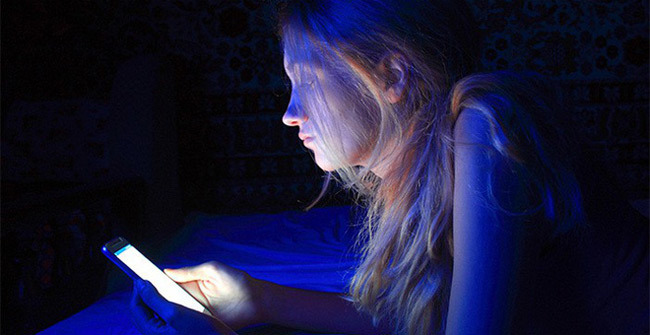
The distance between your eyes and the screen plays an important role in eye comfort.
For computers, experts often recommend maintaining a distance of about 20–28 inches (50–70 cm) from the screen. The top of the screen should ideally be at or slightly below eye level.
Holding smartphones too close to the face can increase eye strain. Keeping the device at a comfortable distance helps reduce the effort required for focusing.
When focusing on screens, people tend to blink less frequently. Reduced blinking can cause dryness and irritation in the eyes.
Blinking helps spread tears across the surface of the eye, keeping it moist and comfortable.
To maintain eye hydration, try to blink consciously while using screens. If dryness persists, artificial tears or lubricating eye drops may be recommended by healthcare professionals.
Working in a room that is too dark or too bright can increase eye strain. Ideally, screen use should take place in a well-lit environment where lighting is balanced.
Avoid placing screens directly in front of bright windows or strong light sources, as glare may cause discomfort.
Using soft ambient lighting can help reduce contrast between the screen and the surrounding environment.
Exposure to blue light in the evening may interfere with the body’s natural sleep cycle. Blue light can influence the production of melatonin, a hormone that helps regulate sleep.
Using digital devices right before bedtime may make it harder to fall asleep.
To support better sleep, many experts recommend reducing screen exposure one to two hours before bedtime or enabling blue light filters during evening hours.
Routine eye examinations are important for maintaining long-term eye health. Eye care professionals can detect vision problems, monitor eye health, and recommend strategies for reducing eye strain.
Individuals who spend long hours using digital devices may benefit from discussing screen-related eye concerns with an optometrist or ophthalmologist.

Digital devices are an essential part of modern life, but prolonged screen use can place stress on the eyes. Blue light exposure, combined with extended focus on screens, may contribute to digital eye strain and discomfort.
Fortunately, simple habits—such as following the 20-20-20 rule, adjusting screen settings, maintaining proper viewing distance, and limiting nighttime screen use—can help protect eye health.
By adopting these practices and maintaining regular eye care, individuals can continue enjoying the benefits of technology while supporting long-term visual comfort and wellbeing.
The Secret Function of the Tiny Hole in a Safety Pin You Never Knew

Leaving the bathroom light on may improve safety while traveling.

Eating pineapple often may lead to unexpected body changes.

5 Foods You Should NEVER Eat Together with Sweet Potatoes? Let’s Set the Record Straight

The most powerful and medicinal plant that people ignore and are unaware of its power is called...

Does a Partner’s Height Influence Relationship Satisfaction?

3 Types of Shirts You Should Avoid Wearing to a Funeral

Why Do You Drool in Your Sleep? 6 Hidden Conditions You Shouldn’t Ignore

People Are Just Realizing What Those Little White Dots on Strawberries Mean

Ever Wondered What the Small Hole on Nail Clippers Is For?
Simulation Explains What Really Happens When You Crack Your Knuckles

Tips to fix washing machine making loud noise when spinning
Do NOT say these things when someone passes away, especially not the 4th
Devices to Disconnect When Thunderstorms Occur

Why It’s Safer to Avoid Using Plumbing During Thunder and Lightning?

Rice water may offer surprising uses for hair, plants, and home care.

Most drivers don't know the purpose of the car door hook: 3 secret uses

A simple trick with a water bottle can improve hotel safety.

A green ring on boiled egg yolks is common and usually harmless.

Why Does Your Stomach Hu.rt After Eating? 5 Possible Conditions to Know

These 2 Night Symptoms Could Be Warning You About Liver or Kidney Dam.age

The Benefits of Combining Lemon and Cloves in Your Daily Routine
What Happens After Cerebral Ischemia? 5 Complications You Should Know

The Truth About Macadamia Nuts: What Doctors Want You to Know

Don’t Ignore It: Possible Causes of a Lump on the Back of Your Neck

The Powerful Effects of Garlic You’ll Notice if You Eat It Often

Daily Sweet Potatoes Led to a Shocking Liver Test - What Happened Next Surprised Her

Explained: Why Your Body Jerks Just as You’re About to Sleep

The Shocking Truth About Coconut Water: What Doctors Want You to Know

Stop Skipping Breakfast - Here’s What It’s Doing to Your Body

Doctors Warn: Don’t Sacrifice Sleep for Early Morning Workouts
These Two Headache Symptoms Could Signal a Brain Tumor — Here’s What to Watch For

Avoid These 4 Drinks Before Bed for Better Sleep

Eating Sweet Potato and Eggs in the Morning Could Trigger These Surprising Effects

If You Notice These 5 Signs, It Could Be Early Thyroid Can.cer

30 Days Without Eating After 7 PM — Here’s What Happens to Your Body
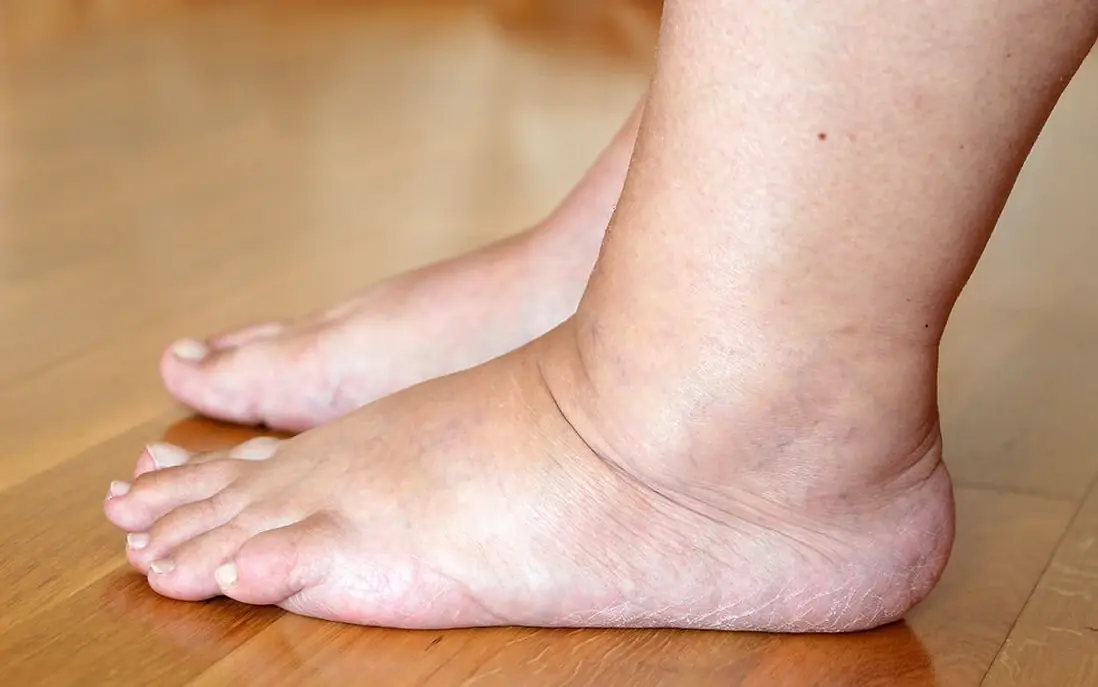
Don’t Ignore Your Feet - These 10 Signs Could Mean Dia.betes

Shocking Study Links Nose Picking to a Potentially Incurable Condition
The Secret Function of the Tiny Hole in a Safety Pin You Never Knew