Most people notice them, but almost no one thinks about them.
Those tiny round holes on your phone’s frame look insignificant — easy to ignore, easy to forget. Yet they are some of the most important design details on modern smartphones, quietly working every second you use your device.
These holes are not random design choices.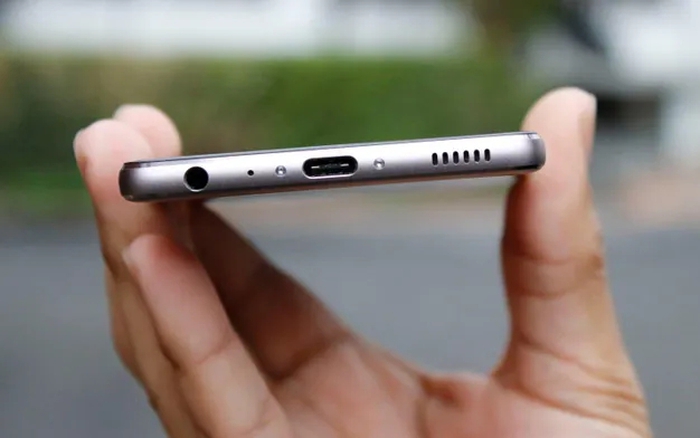
Phone manufacturers place them with precision, because each one serves a specific technical purpose. Removing or blocking even one of them can affect performance in ways most users never expect.
The most common function is audio.
Many of these small holes are microphones — not just one, but often multiple. Modern phones use several microphones to capture sound from different directions. This allows clearer calls, better voice recordings, and effective noise cancellation during conversations and video recording.
That’s why covering one hole can ruin call quality.
If you’ve ever been told you sound muffled or distant on a call, a blocked microphone is often the reason. Phone cases, dirt, or even fingers placed in the wrong spot can interfere without you realizing it.
Some holes are designed for pressure control.
Phones are sealed devices, but air pressure still changes with altitude, temperature, and movement. Tiny vents help equalize internal pressure, protecting sensitive components and keeping speakers and microphones working properly.
Others are part of the speaker system.
Sound doesn’t just come out of large grills. Small openings help manage airflow, improve audio balance, and prevent distortion — especially at higher volumes.
One hole has confused people for years: the reset pinhole.
On some devices, this small opening is not a microphone at all. Inserting a SIM-eject tool here can permanently damage internal components. This mistake happens more often than manufacturers like to admit.
Dust and moisture are constant threats.
These holes are engineered with mesh and internal barriers that allow sound and air to pass while blocking debris. Still, over time, lint and dirt can build up and quietly degrade performance.
Cleaning them incorrectly causes real damage.
Using sharp objects, needles, or pins may seem harmless, but it can puncture protective membranes or destroy microphones. Gentle air pressure or soft brushes are the only safe options.
Water resistance depends on these tiny openings.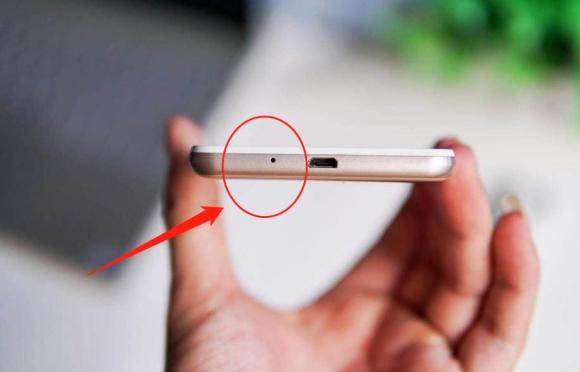
Phones aren’t waterproof — they’re water-resistant. Those holes are part of a carefully balanced system that lets air move without letting water in. Damage to them compromises that protection instantly.
Why most people never notice their importance?
Because when they work properly, they’re invisible. No alerts. No warnings. Just smooth calls, clear audio, and stable performance.
It’s only when something goes wrong that they matter.
Suddenly your voice sounds strange. Recordings lose clarity. Calls feel broken. And the cause is often a hole you never knew had a job.
Small details carry big responsibility.
In phone design, millimeters matter. What looks like a tiny dot is actually a gateway for sound, pressure, and protection.
So next time you see those little round holes, remember this: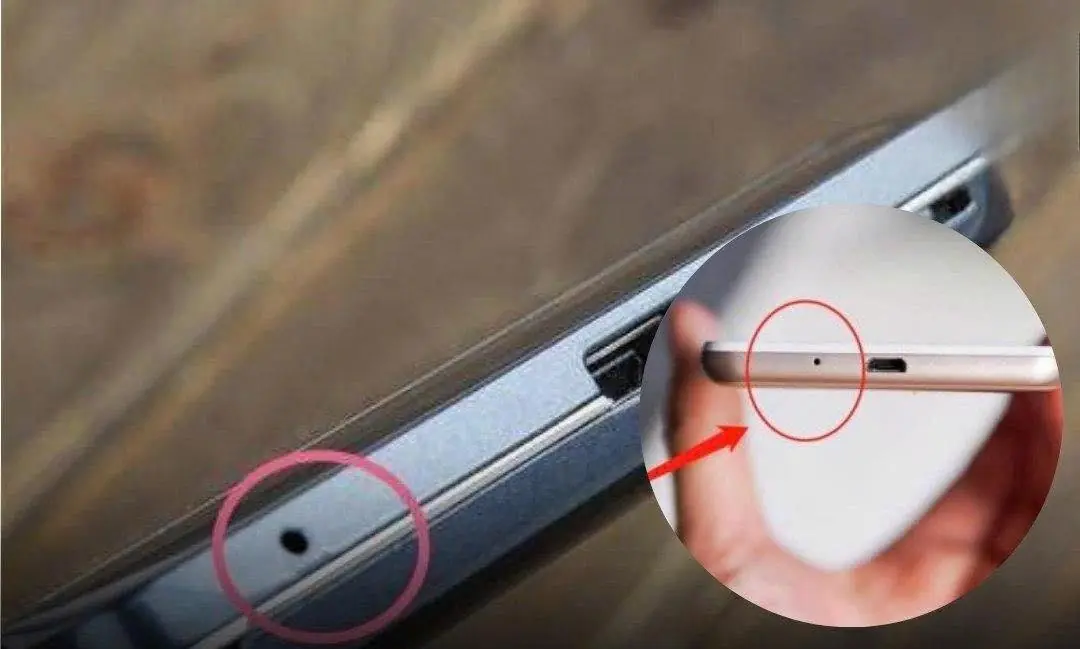
They aren’t decoration.
They aren’t mistakes.
They’re doing more work than you think — quietly, constantly, and without credit.