Your smartphone goes everywhere with you — in your pocket, on your desk, in your bag, and sometimes even into the bathroom or kitchen. Over time, dust, lint, and tiny debris accumulate in the speaker grille. When this buildup increases, you may notice reduced volume, muffled sound, or distorted audio during calls and media playback.
The good news is that cleaning your phone’s speaker is usually simple and does not require professional tools. With careful handling and the right approach, most people can safely restore sound quality at home.
Below is a detailed guide to cleaning your phone speaker effectively and safely.
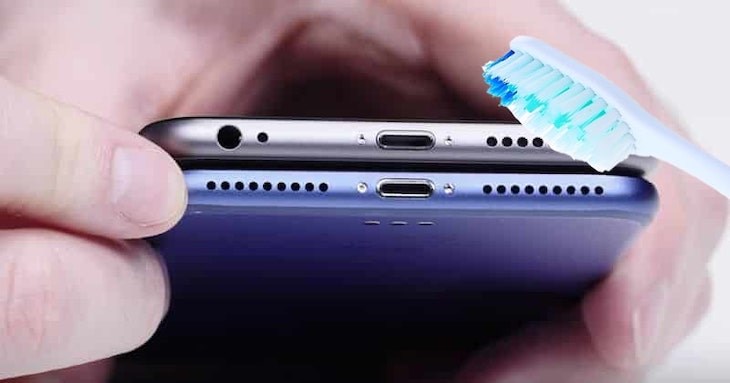
Why Phone Speakers Get Dirty
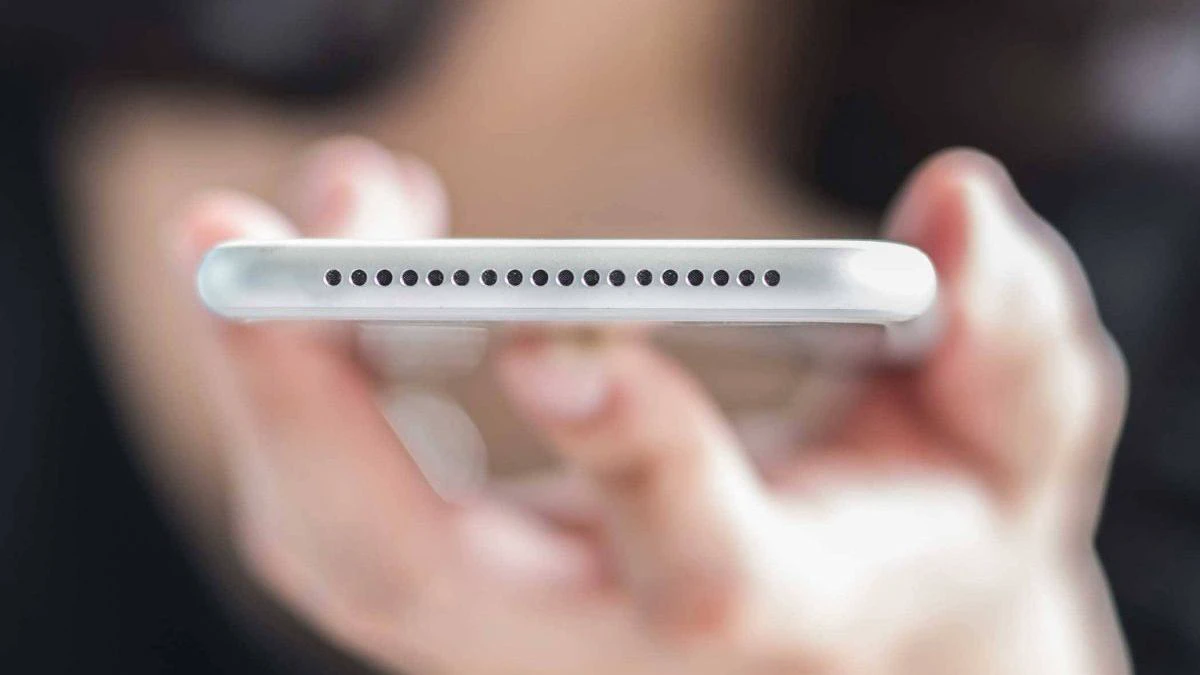
Phone speakers are covered by tiny mesh grilles designed to protect internal components. However, these small openings easily trap:
-
Pocket lint
-
Dust particles
-
Skin flakes
-
Makeup residue
-
Food crumbs
Because speakers vibrate to produce sound, trapped debris can block airflow and reduce audio clarity.
Regular maintenance can prevent long-term buildup.
Important Safety Precautions Before Cleaning
Before starting, follow these basic precautions:
-
Turn off your phone completely.
-
Remove any case or protective cover.
-
Avoid using water directly on the speaker.
-
Do not insert sharp objects into the grille.
-
Avoid compressed air at very close range, as it may push debris deeper.
Being gentle is essential. Speaker components are delicate and easily damaged.
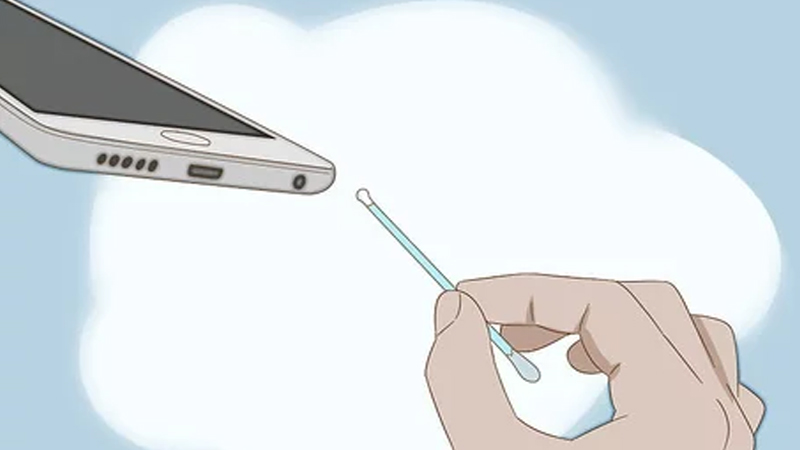
Method 1: Use a Soft-Bristled Brush
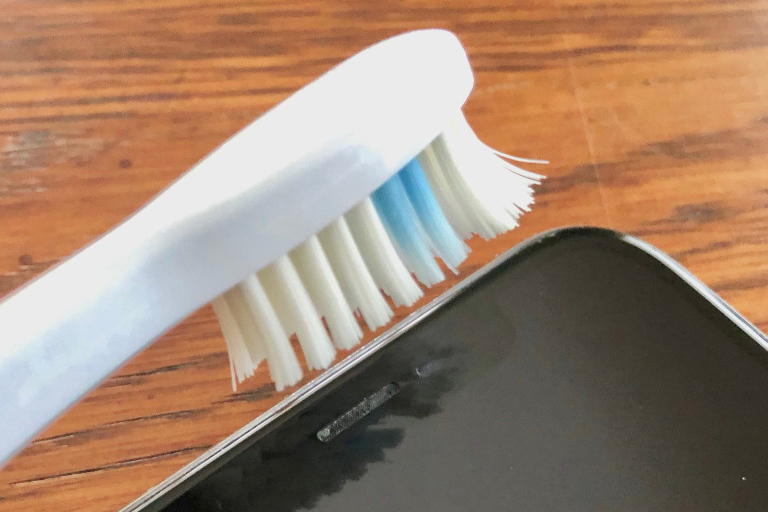
A clean, dry, soft-bristled toothbrush is one of the safest tools for cleaning speaker grilles.
How to Do It:
-
Hold your phone at an angle so loosened debris can fall out.
-
Gently brush across the speaker grille using light strokes.
-
Avoid pressing too hard.
The brushing motion helps lift and dislodge lint trapped in the mesh.
This method works well for dry dust and surface buildup.
Method 2: Use Adhesive Putty
Reusable cleaning putty or adhesive gel can be effective for pulling debris out of tiny holes.
Steps:
-
Press the putty gently onto the speaker area.
-
Lift it slowly to remove trapped particles.
-
Repeat with a clean section of putty.
Make sure the putty is clean and not overly sticky, as residue should not be left behind.
Method 3: Use a Wooden Toothpick Carefully
If debris is visible but lodged deeper in the grille, a wooden toothpick may help — but extreme care is required.
Tips:
-
Use only light pressure.
-
Do not insert deeply into the speaker.
-
Avoid metal objects entirely.
The goal is to lift debris out, not push it further in.
Method 4: Gentle Compressed Air (With Caution)
If available, compressed air can help remove dust.
Important Guidelines:
-
Keep the nozzle at a safe distance (at least a few inches).
-
Use short bursts.
-
Do not tilt the can excessively.
Holding the phone upright allows loosened particles to fall away.
What to Avoid
Many common cleaning mistakes can damage your phone:
-
Using liquid cleaners directly on the speaker
-
Spraying water into the grille
-
Inserting needles or metal pins
-
Using high-pressure air too closely
-
Attempting to dismantle the phone without expertise
Moisture entering the speaker can cause corrosion or permanent malfunction.
How Often Should You Clean Your Phone Speaker?
For most users, cleaning every 1–2 months is sufficient. However, if you:
-
Keep your phone in your pocket frequently
-
Work in dusty environments
-
Notice reduced sound clarity
You may need to clean it more often.
Preventive cleaning is easier than removing heavy buildup later.
Signs Your Speaker Needs Cleaning
You may notice:
-
Lower volume than usual
-
Distorted or muffled sound
-
Difficulty hearing during calls
-
Crackling noises
If cleaning does not improve performance, internal damage may be present, and professional service may be necessary.
Additional Maintenance Tips
To reduce buildup in the future:
-
Keep your phone in a clean pocket or bag compartment.
-
Avoid placing it on dusty surfaces.
-
Use a protective case that minimizes dust entry.
-
Clean your phone exterior regularly with a microfiber cloth.
Small habits help maintain sound quality long term.
When to Seek Professional Help
If:
-
The speaker remains distorted after cleaning
-
The phone has been exposed to liquid
-
Sound issues worsen
Consult a certified technician rather than attempting internal repairs.
Final Thoughts
Cleaning your phone’s speaker at home is straightforward when done carefully. With simple tools like a soft brush or cleaning putty, you can remove dust and lint that affect sound quality.
The key is patience and gentle handling. Regular maintenance not only improves audio performance but also extends the lifespan of your device.
Sometimes, small care routines make a noticeable difference — and anyone can do it safely with the right approach.