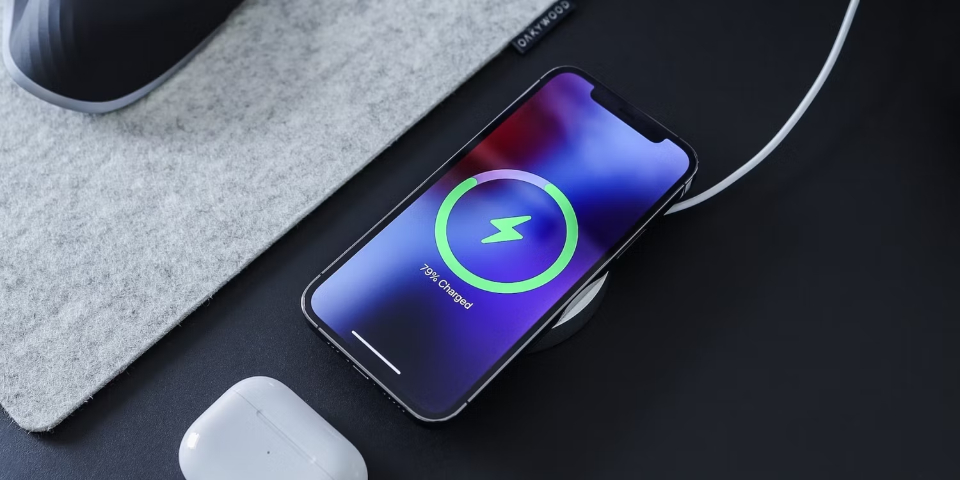
Charging your phone to 100% may feel like the safest way to get through the day, but doing it regularly can quietly shorten your battery’s
lifespan. Most modern smartphones use lithium-ion batteries, and while they are efficient and powerful, they also have specific limits that
affect how long they stay healthy.
Understanding how these batteries work can help you change a few simple habits and keep your phone performing better for years.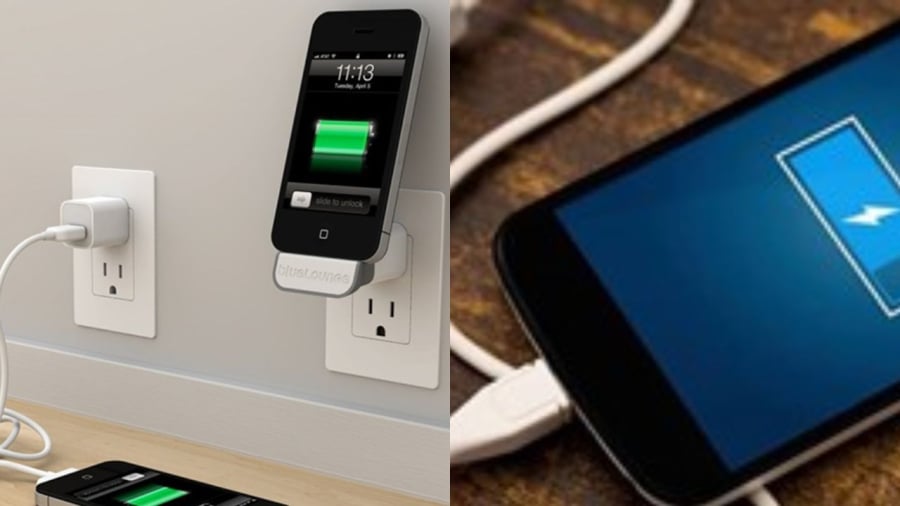
1. Full Charges Put Extra Stress on the Battery
Lithium-ion batteries are designed to work within a certain voltage range. When your battery reaches 100%, it sits at its maximum voltage,
which creates internal stress on the battery cells.
Over time, this stress accelerates chemical aging. Since lithium-ion batteries only last for a limited number of charge cycles - typically between
500 and 1,000 full cycles - frequently charging to 100% can cause the battery to lose capacity faster than expected.
In simple terms, the more often your battery sits completely full, the sooner it starts holding less charge.
2. Heat Builds Up and Wears the Battery Down
Heat is one of the biggest enemies of battery health. Charging your phone to 100% often produces extra heat, especially if:
-
You use your phone while charging
-
You charge it in a warm environment
-
You keep it plugged in long after it reaches full
High temperatures speed up battery degradation by damaging the internal structure of the cells. Even small increases in heat, repeated daily,
can significantly reduce battery efficiency over time.
3. Long-Term Performance Slowly Declines
Lithium-ion batteries perform best when they are kept within a moderate charge range, roughly 20% to 80%. Staying within this window
reduces stress and helps preserve battery capacity.
When a battery is constantly pushed to 100%, it ages faster. Over months or years, this results in:
-
Faster battery drain
-
Shorter screen-on time
-
More frequent charging
-
Sudden drops in battery percentage
Many users notice these changes without realizing that charging habits are often the cause.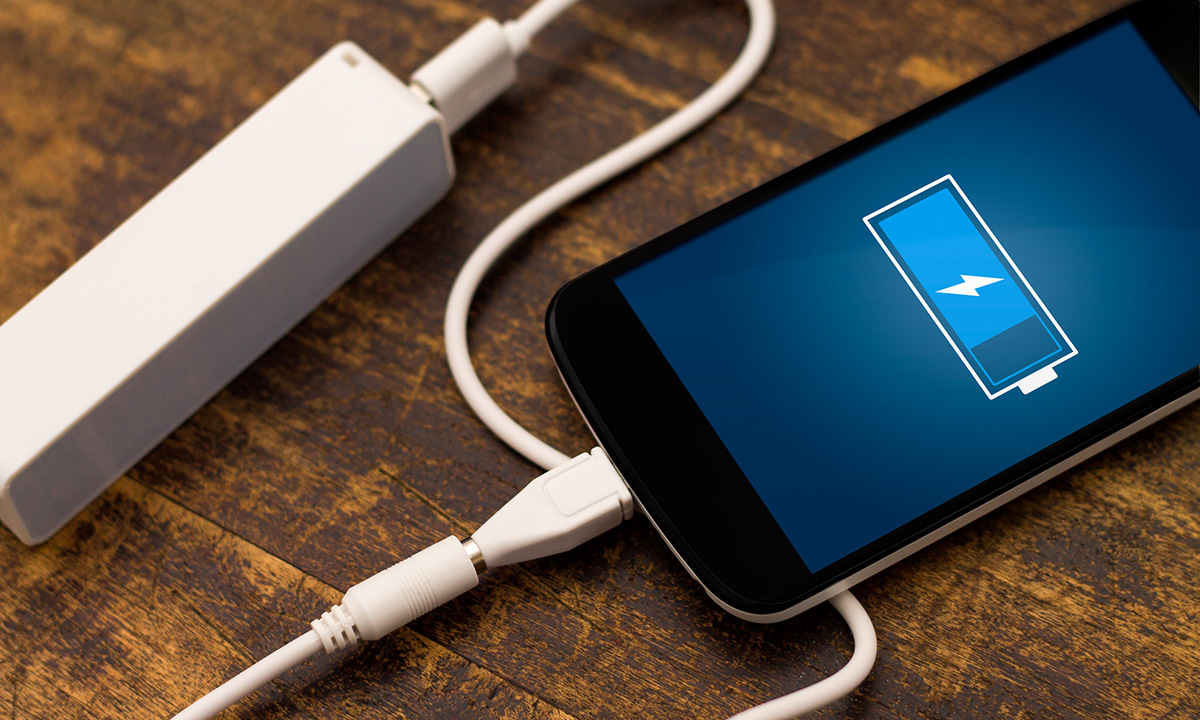
4. Trickle Charging Causes Hidden Wear
Once your phone reaches 100%, it doesn’t completely stop charging. Instead, it enters a process called trickle charging, where tiny amounts
of power are continuously supplied to keep the battery full.
This repeated topping-off creates unnecessary heat and keeps the battery under constant high voltage. While it may seem harmless, over time
it contributes to faster chemical wear inside the battery.
This is especially common when phones are left plugged in overnight.
How to Charge Your Phone for Maximum Battery Longevity
You don’t need to change everything - just a few smarter habits can make a big difference:
-
Keep battery levels between 20% and 80% whenever possible
-
Avoid overnight charging, or unplug once the battery is near full
-
Use original or certified chargers to ensure proper voltage control
-
Avoid heavy usage while charging, especially gaming or video streaming
-
Charge in cool, well-ventilated areas to reduce heat buildup
Many modern phones even include battery optimization settings that limit charging to around 80–85% automatically—turning these on can
significantly extend battery life.
The Bottom Line
Charging your phone to 100% once in a while won’t cause immediate damage, but making it a daily habit can slowly reduce your battery’s
lifespan. Lithium-ion batteries thrive on moderation, not extremes.
By stopping short of a full charge and avoiding unnecessary heat, you can:
-
Extend battery lifespan
-
Maintain better long-term performance
-
Reduce the need for early battery replacement
Sometimes, protecting your phone’s health is simply a matter of knowing when to unplug.